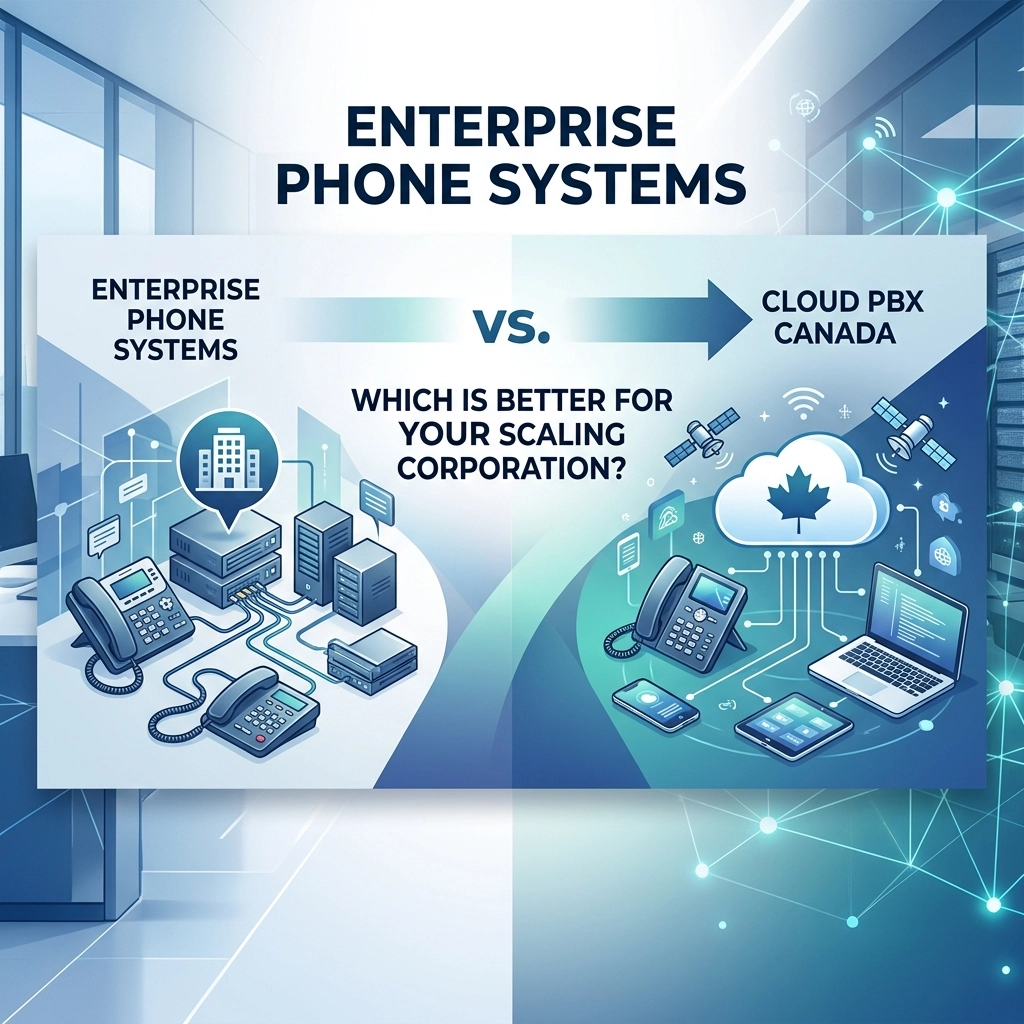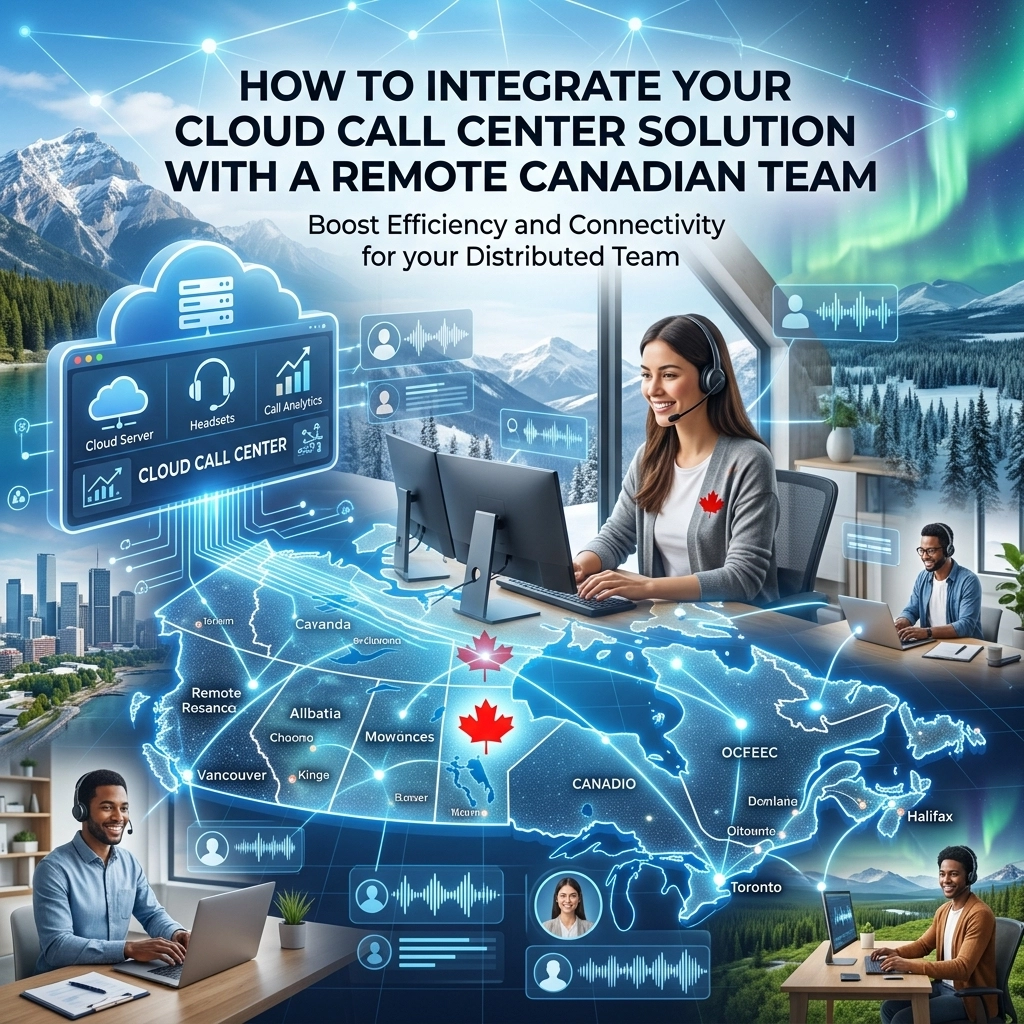
The Canadian business landscape has shifted dramatically over the last few years. Whether your team is spread across the GTA, nestled in the Rockies, or operating out of a home office in Halifax, the need for seamless communication has never been higher. For many growing companies, the traditional on-premise PBX is no longer a viable option: it’s a localized anchor in a decentralized world.
Integrating a cloud call center solution is the answer to this geographical challenge. It allows a business to maintain a professional, unified presence while giving agents the flexibility to work from anywhere with an internet connection. However, integration isn't just about "turning it on." It requires a strategic approach to software synchronization, hardware selection, and network stability.
In this guide, we will walk you through the essential steps to successfully integrate your cloud call center with a remote Canadian workforce, ensuring your team remains productive and your customers remain satisfied.
Why Legacy Systems Are Holding Back Your Remote Team
Before looking at the "how," we must understand the "why." Many Canadian businesses still rely on legacy hardware that was designed for a single physical office. These systems often require complex VPN setups or expensive call forwarding to reach remote staff, leading to high latency and poor voice quality.
A modern cloud pbx canada solution solves these "silo" problems. Instead of calls being routed through a physical box in a closet, they are handled in the cloud. This ensures that an agent in Vancouver and an agent in Montreal have the exact same tools, call quality, and access to data as if they were sitting at desks next to each other.

Step 1: Synchronizing Your CRM and Helpdesk
The most critical part of a cloud call center integration is the connection between your phone system and your data. When a customer calls, your agents shouldn't have to scramble to find their history.
Automatic Call Logging
By integrating your cloud solution with CRMs like Salesforce, HubSpot, or Zoho, every interaction is automatically logged. This eliminates manual data entry, which is often the first thing to suffer in a remote work environment. When an agent answers, a "screen pop" displays the caller’s name, recent purchases, and open support tickets.
Two-Way Data Sync
Integration ensures that if an agent updates a phone number or a contact preference in the call center interface, it reflects immediately in the CRM. This creates a "single source of truth" for your business, preventing the communication gaps that often occur when teams are distributed across different provinces.
Step 2: Selecting the Right Hardware and Software
Remote agents need the right tools to maintain professional standards. When integrating your team, you must choose between physical IP phones and software-based "softphones."
The Case for Softphones
For most remote Canadian teams, softphones are the preferred choice. These are applications installed on a computer or mobile device that mimic a physical phone. They are cost-effective, easy to deploy, and allow agents to use their business line from any location.
Professional IP Phones
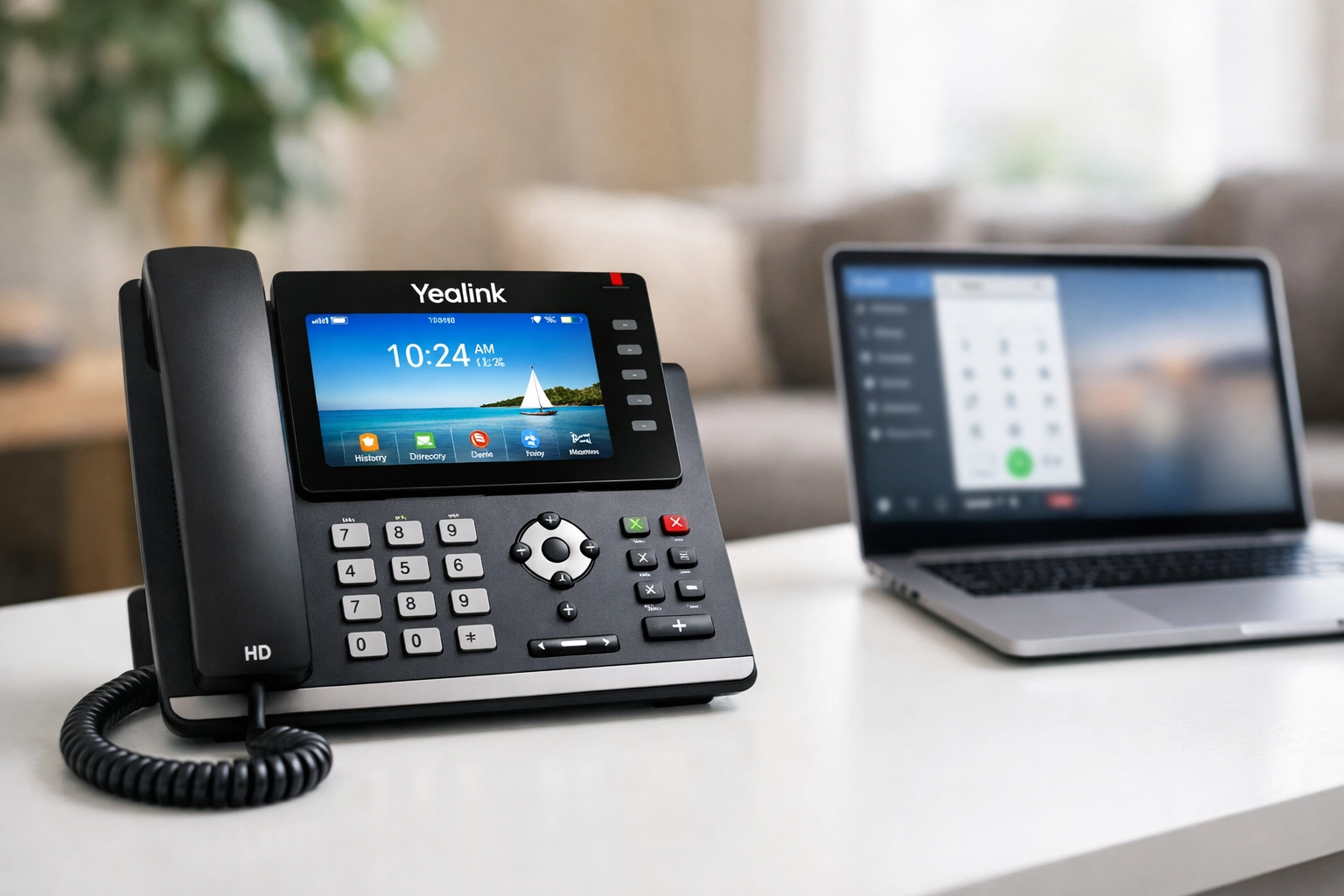
In some cases, particularly for home office setups that double as permanent workstations, a dedicated IP phone is superior. Hardware from brands like Yealink or Poly provides dedicated processing power for voice, ensuring that a computer crash doesn't disconnect a call. If you are setting up a hybrid hub, you might also need to consider structured cabling services to ensure these devices have a stable, wired connection to the router.
Step 3: Leveraging Microsoft Teams Integration
Many Canadian enterprises have already adopted Microsoft Teams for internal collaboration. Integrating your cloud call center directly into Teams is one of the most efficient ways to streamline your workflow.
By using a Teams Phone Connector, you can bring full PBX functionality: including external calling, SMS, and advanced call queuing: directly into the Teams interface. This means your remote agents don't have to toggle between multiple apps. They can answer a customer call and then immediately start a chat with a colleague for assistance, all within the same window. This level of consolidation is a hallmark of high-performing business voip canada deployments.
Step 4: Optimizing the Remote Network
A cloud call center is only as good as the internet connection it runs on. While you cannot control the ISP of every remote employee, you can provide guidelines to ensure call quality remains high.
- Bandwidth Management: Encourage agents to use wired Ethernet connections rather than Wi-Fi whenever possible.
- Quality of Service (QoS): If agents are using a router that supports it, prioritize voice traffic over other data-heavy activities like video streaming.
- Latency Checks: High latency (ping) is the enemy of VoIP. Regular testing helps identify which agents might need an internet upgrade to maintain professional standards.
For businesses that maintain small satellite offices or "we-work" style hubs for their remote teams, investing in professional structured cabling services is essential. A clean, organized cable infrastructure reduces interference and provides the physical backbone needed for crystal-clear communication.
Step 5: Navigating Canadian Regulatory Requirements
When integrating a cloud solution for a Canadian team, there are specific local considerations that cannot be ignored.
911 and E911 Services
Because remote agents can move their "office" from a coffee shop to a home to a cottage, tracking their physical location for emergency services is complex. It is vital to use a provider that offers robust E911 (Enhanced 911) support. You must ensure your agents understand how to update their physical address in the system to remain compliant and safe. You can find more details on how this works in our 911 explained guide.
Local Presence and Number Porting
To maintain a local feel, you should be able to provide agents with local numbers regardless of where they are physically located. A cloud solution allows a remote worker in Calgary to answer calls from an Ottawa (613) area code, maintaining the "local business" image that Canadian customers value.

Step 6: Training and Deployment
The final stage of integration is the human element. Even the best cloud pbx canada system will fail if the team doesn't know how to use it.
- Pilot Program: Start with a small group of 3-5 agents to test the integration and iron out any workflow kinks.
- Centralized Documentation: Create a simple "How-To" guide for logging in, handling transfers, and managing voicemail-to-email settings.
- 24/7 Support: Ensure your VoIP provider offers around-the-clock support. Remote work doesn't always happen between 9 and 5, especially when your team spans five different Canadian time zones.
The Problem vs. The Solution: A Summary
| The Problem (Legacy Systems) | The Solution (Voiswitch Cloud Integration) |
|---|---|
| Call drops and high latency for remote staff. | High-quality codecs and optimized routing. |
| Agents have no context for who is calling. | CRM screen pops and automatic call logging. |
| Expensive long-distance and forwarding fees. | Flat-rate cloud pricing and local number options. |
| Difficult to scale as you hire across Canada. | Add new agents in minutes via the web portal. |
Conclusion: Flexibility Without Friction
Integrating a cloud call center solution for a remote Canadian team is no longer a "luxury" for large corporations: it is a necessity for any business that wants to scale. By focusing on deep CRM integration, choosing the right hardware, and ensuring your network is optimized, you remove the technical hurdles that prevent remote teams from succeeding.
At Voiswitch, we specialize in helping Canadian businesses bridge the gap between their office and their remote workforce. Whether you need a robust cloud pbx canada setup, help with structured cabling services for your hybrid office, or advice on the latest IP hardware, we are here to guide you.
Ready to unify your remote team and provide a better customer experience? Contact us today to learn how we can tailor a solution to your specific business needs.