
7 Common Business VoIP Problems in Canada (And How to Fix Them Before They Cost You a Customer)
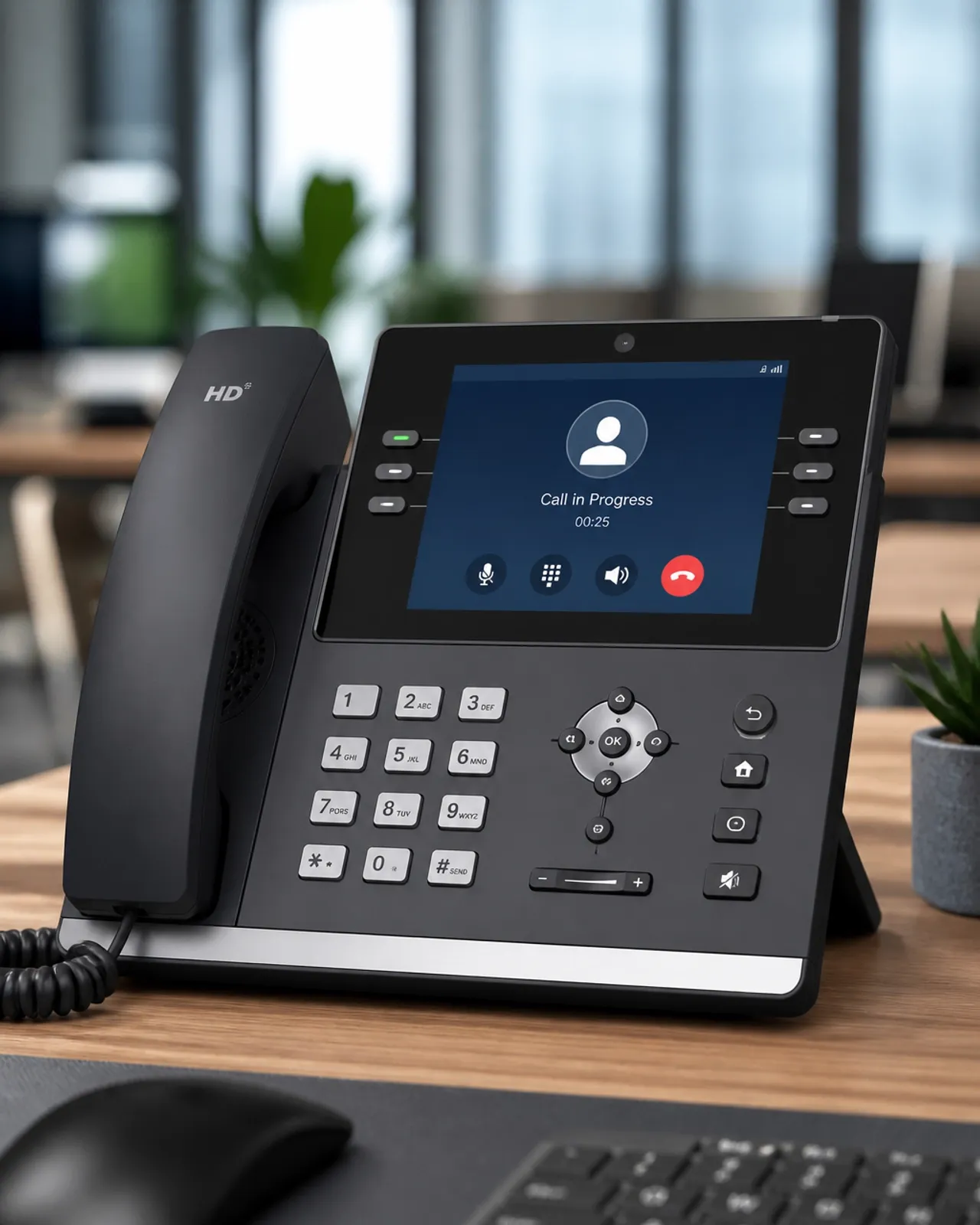
For decades, Canadian businesses relied on the traditional Public Switched Telephone Network (PSTN): the copper-wire landlines that were reliable but notoriously rigid and expensive. As the digital transformation accelerated, the shift toward Voice over Internet Protocol (VoIP) became a necessity rather than a luxury. Today, business VoIP in Canada is the standard, offering unparalleled flexibility and cost savings.
However, the transition from analog to digital is not without its hurdles. For many organizations, the initial excitement of upgrading to a cloud PBX in Canada is quickly dampened by technical glitches like choppy audio, dropped calls, or security concerns. These issues are rarely a fault of the technology itself, but rather a result of how it is implemented and maintained.
Left unaddressed, these problems don't just frustrate your employees; they cost you customers. If a potential client can’t hear your sales pitch or gets disconnected during a support call, they will take their business elsewhere. This guide identifies the seven most common VoIP problems faced by Canadian businesses and provides straightforward, actionable solutions to fix them.
1. Why Do My Calls Sound Choppy or "Robotic"?
One of the most frequent complaints is poor audio quality, often described as "robotic" voices or audio that cuts in and out. This is typically a symptom of bandwidth saturation.
In many offices, the same internet connection used for VoIP is also used for large file downloads, video streaming, and cloud backups. When the network becomes congested, voice packets: which are time-sensitive: get stuck in the queue behind less urgent data.
The Fix:
- Prioritize Voice Traffic: Implement Quality of Service (QoS) settings on your router. This tells your network to give voice packets a "fast lane" over other types of data.
- Upgrade to Business-Grade Internet: Many residential-grade connections lack the upload speed required for multiple concurrent calls. Consider Business Internet solutions that offer symmetrical speeds and low latency.
- Schedule Backups: Move data-heavy tasks, like server backups or system updates, to after-business hours.
2. Why Is There a Delay When We Talk?
If you find yourself constantly "talking over" the person on the other end, you are experiencing high latency. Latency is the time it takes for data to travel from your phone to the receiver and back.
For Canadian businesses, this often happens when your SIP trunks or cloud PBX servers are located too far away: for instance, in the southern United States or overseas. The longer the physical distance the data must travel, the higher the delay.
The Fix:
- Choose a Local Provider: Partner with a provider that has data centers located within Canada. This significantly reduces the physical distance data must travel.
- Minimize Network Hops: Use a direct, high-quality connection to your ISP. Every additional router or switch your data passes through adds a few milliseconds of delay.
- Check Your Hardware: Older routers can struggle to process packets quickly. Ensure your networking gear is modern and capable of handling high-throughput traffic.
3. Why Do Syllables Keep Dropping Out?
This phenomenon is known as jitter. While latency is a consistent delay, jitter is the variation in the arrival time of data packets. If packets arrive out of order or at irregular intervals, the phone system struggles to reassemble them, resulting in "jumpy" or missing audio.
Jitter is frequently caused by network congestion or, more commonly, a reliance on unstable Wi-Fi connections for voice calls.
The Fix:
- Go Wired: Whenever possible, connect your IP phones directly to the network using Ethernet cables. Wi-Fi is susceptible to interference and signal degradation that creates jitter.
- Audit Your Infrastructure: If your office wiring is a "spaghetti" of old cables, it may be time for structured cabling services. High-quality, properly installed Cat6 cabling ensures stable data transmission.
- Use Jitter Buffers: Most modern VoIP systems allow you to adjust "jitter buffers," which collect packets and release them at a steady rate to smooth out the audio.

4. Why Can I Hear the Caller, but They Can’t Hear Me?
One-way audio or calls that simply don't ring are classic signs of firewall or SIP ALG issues. Most office routers have a feature called SIP Application Layer Gateway (SIP ALG). While it was originally intended to help VoIP traffic pass through firewalls, it frequently "corrupts" the data packets, leading to connection failures.
The Fix:
- Disable SIP ALG: In 90% of cases, simply turning off the SIP ALG setting in your router's configuration will solve one-way audio problems.
- Configure Port Forwarding: Ensure your firewall is configured to allow traffic on the specific ports used by your VoIP provider (typically SIP port 5060 and various RTP ports).
- VLAN Separation: Place your VoIP phones on their own Virtual Local Area Network (VLAN). This isolates voice traffic from data traffic, making it easier to manage security and quality settings.
5. How Do I Protect My System from Toll Fraud?
Security is a major concern for any digital system. Toll fraud occurs when unauthorized users gain access to your VoIP system to make expensive international calls on your dime. This usually happens due to weak passwords or unencrypted connections.
The Fix:
- Enforce Strong Passwords: Use complex, unique passwords for every extension and administrative portal. Never use default credentials.
- Enable Encryption: Use a provider that supports Transport Layer Security (TLS) for signaling and Secure Real-time Transport Protocol (SRTP) for audio. This prevents eavesdropping.
- Set Geographic Restrictions: If your business doesn't operate in certain countries, have your provider block calls to those international destinations entirely.
6. Is My System 9-1-1 Compliant?
In Canada, VoIP providers must comply with specific CRTC regulations regarding emergency services. Unlike traditional landlines, which are tied to a physical address, a VoIP phone can be plugged in anywhere. If your system isn't properly configured, emergency responders may be sent to the wrong location.
The Fix:
- Update E9-1-1 Information: Ensure your physical address is correctly registered with your provider for every phone line. If you move your phone to a new office or a home office, you must update this info immediately.
- Educate Employees: Make sure staff understand the limitations of VoIP 9-1-1 (such as needing power and internet to function).
- Review Compliance: Read Voiswitch's 9-1-1 Explained guide to ensure your organization meets all Canadian regulatory requirements.
7. Why Do My Calls Drop Randomly?
Dropped calls are the ultimate productivity killer. They are usually caused by a combination of a "flaky" internet connection and aggressive firewall timeouts. If the connection between your phone and the cloud PBX is momentarily interrupted, the session may be terminated.
The Fix:
- Adjust Registration Timers: Shorten the "registration refresh" interval on your IP phones. This keeps the connection "alive" more frequently, preventing the firewall from closing the port.
- Implement Failover: Use a router that supports a secondary internet connection (like a 5G/LTE backup). If your primary fiber or cable line goes down, your calls will automatically switch to the backup link.
- Firmware Updates: Regularly update the firmware on your IP phones and routers. Manufacturers frequently release patches that fix connectivity bugs.
Solving VoIP Problems Once and For All
Managing a business is difficult enough without having to worry about whether your phones will work when a customer calls. While the problems listed above are common, they are all preventable with the right infrastructure and expertise.

At Voiswitch, we specialize in removing the technical "headaches" of modern communication. By providing end-to-end solutions: from professional structured cabling to 24/7 support: we ensure your Canadian business remains connected, secure, and professional.
If you are currently struggling with poor call quality or unreliable service, don't wait for it to cost you your next big contract. Contact us today for a comprehensive audit of your communication system.
By Voiswitch