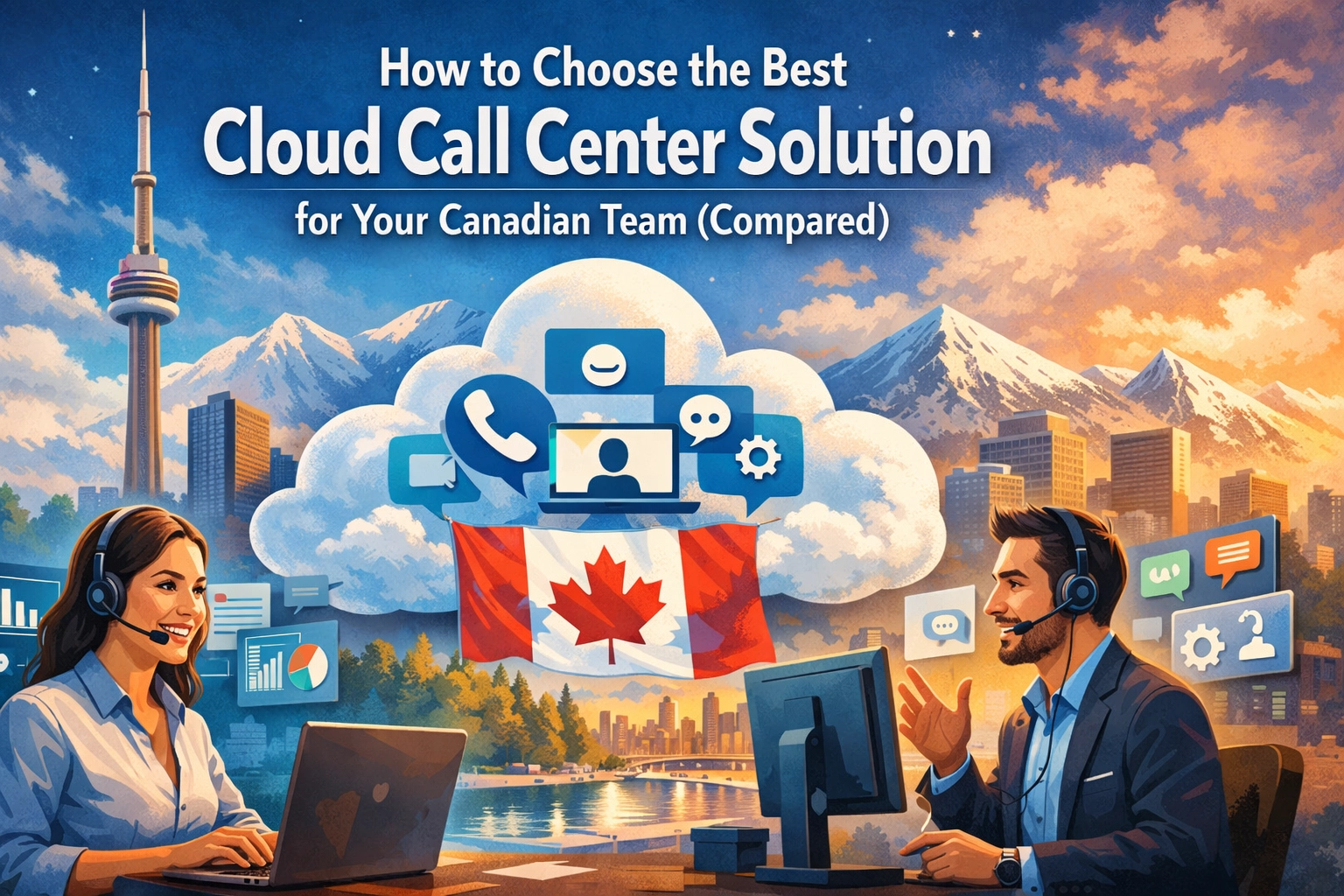
The traditional call center model is rapidly becoming a relic of the past. For years, Canadian businesses relied on bulky, on-premise hardware, expensive maintenance contracts, and rigid desk setups that tied employees to a physical office. Today, the landscape has shifted. Whether your team is based in Toronto, Vancouver, or working remotely across the Maritimes, the need for a flexible, scalable, and feature-rich cloud call center solution has never been higher.
Moving to the cloud isn't just about following a trend; it's about solving real operational headaches. Legacy systems often lack the integration capabilities required by modern CRMs, and they certainly don't support the "work from anywhere" culture that has become standard. However, with dozens of providers claiming to be the "best," how do you actually choose the right one for your specific Canadian context?
In this guide, we will break down the essential criteria for selecting a cloud call center solution and compare the top players currently serving the Canadian market.
Why the Move to a Cloud Call Center Solution is Necessary
Before diving into the "how," we must understand the "why." Legacy PBX systems are often a liability. They require significant upfront capital expenditure (CapEx) for hardware and ongoing operational expenditure (OpEx) for specialized technicians to handle upgrades.
A modern cloud call center solution eliminates these hurdles. By hosting your communication infrastructure in the cloud, you gain:
- Scalability: Add or remove agents in minutes, not weeks.
- Disaster Recovery: If your physical office loses power, your call center keeps running via mobile apps and laptops.
- Data-Driven Insights: Real-time analytics that show exactly how your team is performing.
For more on the foundational technology behind these systems, you might want to read our breakdown of what is cloud PBX or why hosted PBX is the better phone system for growing companies.

Key Selection Criteria for Canadian Businesses
Choosing a provider isn't just about picking the lowest price per seat. Canadian businesses face unique challenges, from bilingual support requirements to strict data privacy regulations. Here are the five pillars you should evaluate:
1. Canadian Compliance and Local Presence
Does the provider support Canadian phone numbers? Are they compliant with STIR/SHAKEN regulations to ensure your outbound calls aren't marked as spam? Ideally, you want a provider that has a local presence or at least offers support in both English and French to serve all regions of Canada effectively.
2. Integration Ecosystem
Your call center shouldn't exist in a vacuum. It needs to talk to your CRM (Salesforce, HubSpot, Zoho) and your productivity tools (Slack, Microsoft Teams). A cloud call center solution that doesn't integrate with your existing workflow will eventually lead to data silos and manual entry errors.
3. Feature Set vs. Ease of Use
Advanced features like AI-driven sentiment analysis and automated workforce management are great, but only if your team can actually use them. Look for a balance between sophisticated functionality and an intuitive user interface.
4. Total Cost of Ownership (TCO)
Be wary of "teaser" rates. Some providers offer a low base price but charge extra for call recording, IVR (Interactive Voice Response), or even basic integrations. Always calculate the cost in CAD to avoid currency fluctuation surprises.
5. Hardware Compatibility
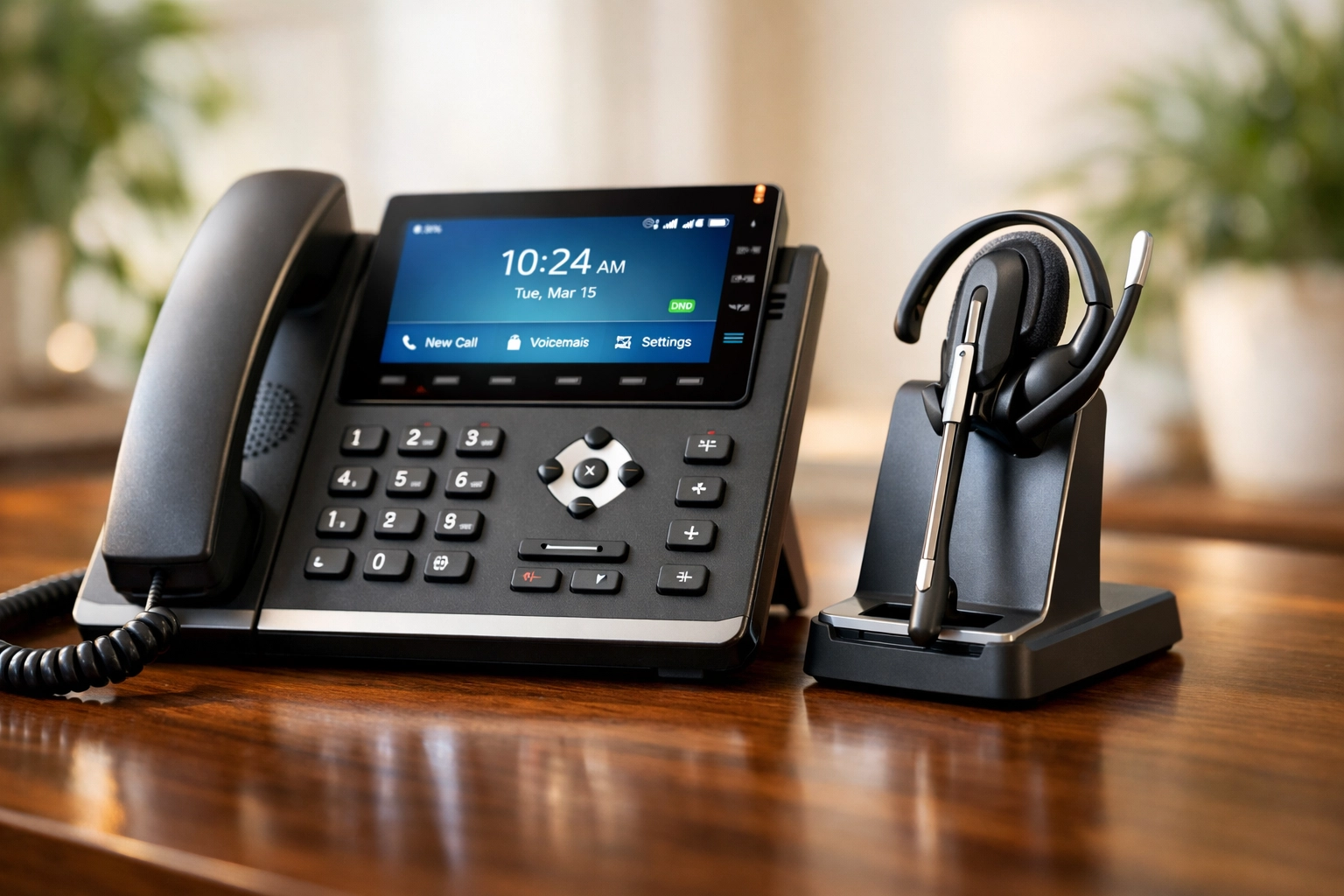
While many agents will use softphones, some roles still require physical hardware. Ensure your chosen provider supports industry-standard devices. You can explore a wide range of compatible IP phones and headsets to ensure your team has the best tools for the job.
Top Cloud Call Center Solutions Compared
Let’s look at how the leading providers stack up against each other, specifically for Canadian teams.
Aloware: The Sales Powerhouse
Aloware has carved out a niche as the go-to solution for high-velocity sales teams. Its standout feature is the native integration with HubSpot and Salesforce, allowing for "power dialing" directly within the CRM.
- Pros: Native AI voice analytics, truly unlimited calling plans, and transparent pricing (starting around $30 CAD/user).
- Best For: Small to mid-sized sales teams that live inside their CRM.
RingCentral: The Enterprise All-In-One
RingCentral is a heavyweight in the industry. It offers a comprehensive omnichannel experience, meaning your team can handle voice, SMS, email, and social media messages in one window.
- Pros: Highly reliable, massive integration library, and a physical office in Montreal for Canadian support.
- Cons: Can be expensive for smaller teams, and the interface can feel cluttered due to the sheer number of features.
- Best For: Large enterprises that need a robust, unified communications platform.

Dialpad: The AI Innovator
Dialpad is built from the ground up with Artificial Intelligence at its core. Their "Ai Contact Center" provides real-time coaching for agents and automatic post-call summaries.
- Pros: Excellent transcription services and built-in AI self-service options.
- Cons: Higher entry price point (around $87 CAD/user) compared to more basic services.
- Best For: Tech-forward companies that want to leverage AI to improve agent performance.
uContact: The Bilingual Choice
For Canadian businesses that prioritize service in both official languages, uContact is a strong contender. They offer specialized support for remote operations and have a significant footprint in the Canadian market.
- Pros: Strong bilingual support and flexible deployment options.
- Best For: Businesses requiring dedicated Canadian-centric support and remote work flexibility.
Hardware: The Often Overlooked Component
While the "cloud" implies everything happens in the ether, your agents still need reliable physical endpoints. Even the best cloud call center solution will fail if your team is using poor-quality hardware.
If your team operates in a hybrid environment, consider:
- Conference Phones: For boardrooms that need to bridge in remote participants. Check out our selection of conference phones.
- Video Phones: For management roles where face-to-face interaction is key. Browse video phones here.
- Expansion Modules: For receptionists handling high call volumes. See our expansion modules.
Decision Framework: 5 Steps to Your New Solution
To make the final choice, follow this logical progression:
- Audit Your Current Traffic: How many calls are you actually taking? Do you need omnichannel (SMS/Email) support, or is voice enough?
- Verify Your CRM Compatibility: List the "must-have" integrations. If a provider doesn't support your CRM out of the box, cross them off the list.
- Run a Pilot Program: Never sign a multi-year contract without a 7-14 day trial. Test the call quality during peak hours.
- Evaluate Technical Support: Call the provider’s support line at 2:00 PM on a Tuesday. How long did it take to reach a human? Is that human familiar with Canadian telecommunications?
- Check for Hidden Fees: Ask specifically about CAD pricing, porting fees for your existing Canadian numbers, and the cost of additional features like call recording storage.
The Bottom Line
Choosing a cloud call center solution is one of the most significant technology decisions your business will make this year. For sales-heavy teams, Aloware offers incredible value and CRM synergy. For large-scale enterprises with complex needs, RingCentral remains the gold standard. Meanwhile, AI-driven teams will find a lot to love in Dialpad.
Regardless of which software you choose, remember that the hardware and the network it runs on are equally important. From high-quality IP-PBX setups to the right routers to handle VoIP traffic, Voiswitch is here to ensure your transition to the cloud is seamless.
Ready to explore more about modern business communication? Check out our latest blog posts for more industry insights and guides.