For many years, business security and business communications lived in two entirely different worlds. You had your phone system for talking to clients and your access control system for letting people into the building. If someone buzzed the front door, a receptionist usually had to get up, walk to a dedicated wall-mounted monitor, and press a physical button.
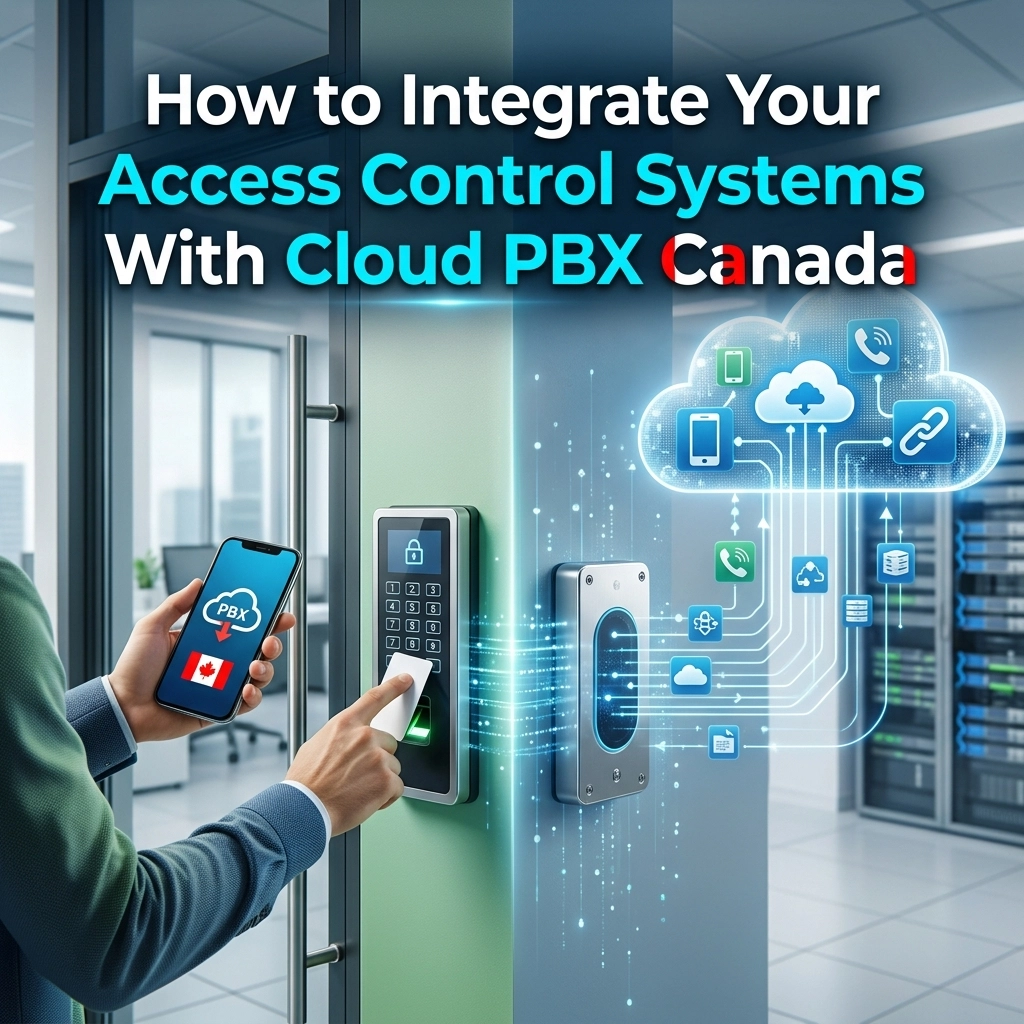
In 2026, that siloed approach is no longer just inconvenient: it is inefficient. As more organizations transition to cloud PBX Canada solutions, the opportunity to unify these systems has become a game-changer for operational security and employee productivity. By integrating your access control with your VoIP network, you turn every desk phone, smartphone, and tablet into a security terminal.
At Voiswitch, we see a growing number of Canadian businesses looking to streamline their infrastructure. Whether you are managing a single office in Toronto or multiple warehouses across the country, knowing how to bridge the gap between your door locks and your dial tone is essential.
Why Integrate Access Control with Your Cloud PBX?
The move toward business voip canada isn't just about saving money on long-distance calls; it’s about building a smarter workspace. Integrating your access control: specifically IP-based door phones and intercoms: with your PBX offers several tangible benefits.
1. Remote Management and Mobility
When your door phone is just another extension on your cloud PBX, you don't need to be at your desk to answer the door. If a delivery arrives while the receptionist is away, the call can be routed to their mobile app or a cordless phone. You can verify the visitor's identity and unlock the door with a simple keypress on your keypad, even if you are working from home.
2. Enhanced Security Logs
Traditional buzzers often leave no trail. With an integrated system, every time someone rings the bell, the "call" is logged in your PBX history. If you use video phones, many systems can even record the video feed or snap a photo of the person at the door, providing a digital audit trail of who entered and when.
3. Cost-Efficiency
By utilizing your existing network for both voice and security, you eliminate the need for redundant wiring and proprietary intercom hardware. This is where professional structured cabling services become vital, as a single well-designed network can handle your data, voice, and security traffic simultaneously.
The Essential Components for Integration
Before you start the configuration process, you need to ensure your hardware is compatible. Not all door buzzers are created equal. To make this work with a cloud-based system, you need components that speak the same language: usually Session Initiation Protocol (SIP).
IP Door Phones
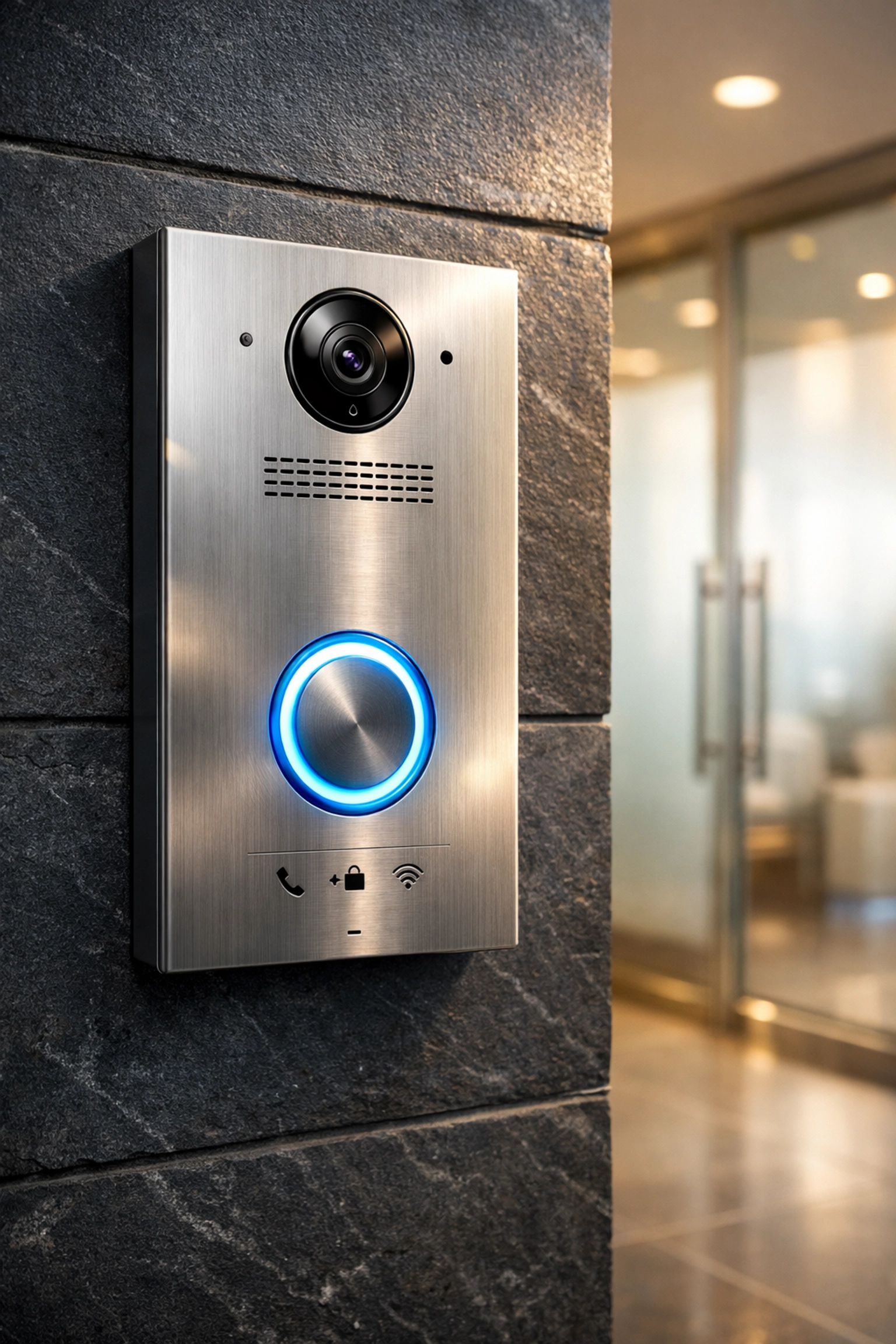
The heart of the integration is the IP door phone. Unlike analog intercoms, these devices connect directly to your network via an Ethernet cable. They act like a specialized VoIP phone that happens to have a high-quality speaker, a microphone, and often a camera.
SIP-Compatible Cloud PBX
Your phone system must be able to register third-party SIP devices. Most modern cloud PBX platforms allow you to create "SIP extensions" for door stations. This allows the PBX to treat the door phone like any other desk phone in the office.
Reliable Network Infrastructure
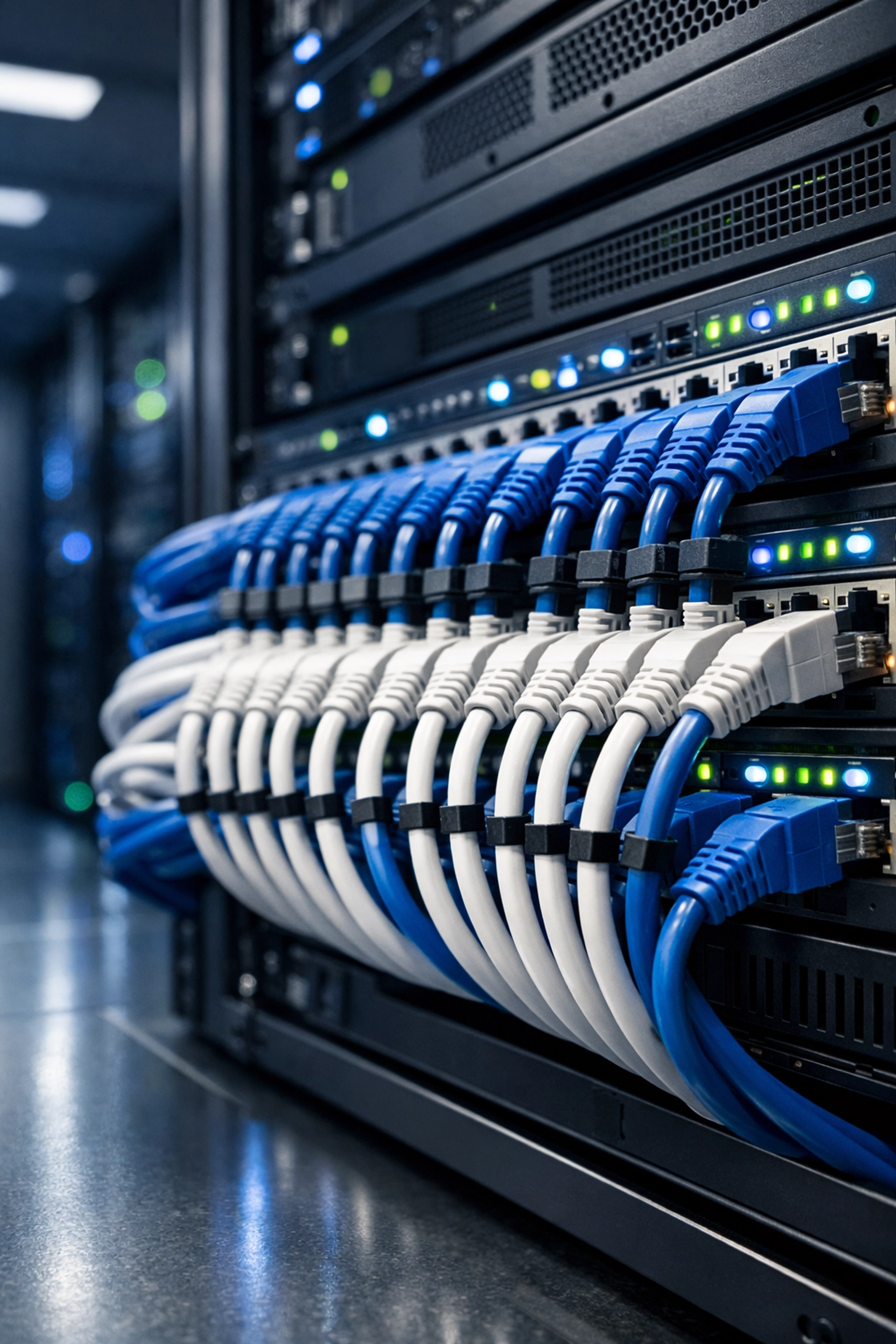
Because these systems rely on the internet and local network stability, your routers and cabling must be up to par. High-quality routers and professional structured cabling ensure that there is no "lag" when you try to open a door remotely. A two-second delay might not seem like much, but in a security context, it can lead to frustrated visitors and dropped connections.
How to Integrate: A Step-by-Step Guide
Integrating these systems is more straightforward than it used to be, but it still requires a methodical approach. Here is how we typically handle an integration for our clients.
Step 1: Network Preparation and Cabling
First, you need an Ethernet drop at the entry point where the door phone will be installed. If you are renovating or moving into a new space, this is the time to invest in structured cabling services. We recommend using Shielded Twisted Pair (STP) cabling for outdoor units to prevent interference. Most IP door phones use Power over Ethernet (PoE), so ensure your network switch can provide power, or use a PoE injector.
Step 2: Configure the Extension on the Cloud PBX
Log into your Voiswitch or Cloud PBX management portal. You will need to:
- Create a new SIP extension specifically for the door phone (e.g., Extension 100).
- Note down the SIP Server address, the User ID, and the Authentication Password.
- Set up a "Ring Group" if you want the door phone to ring multiple people simultaneously (e.g., the front desk, the office manager, and the security team).
Step 3: Hardware Configuration
Connect your IP door phone to your computer or network and access its web-based management interface. You will enter the SIP credentials you generated in Step 2.
- Server Address: Your cloud PBX domain.
- Port: Usually 5060 or 5061.
- Account details: The extension number and password.
Step 4: Programming the "Unlock" Trigger
This is the "magic" part of the integration. Most IP door stations have a built-in relay that connects to the electronic strike or magnetic lock on your door. In the door phone settings, you can define a DTMF (Dual-Tone Multi-Frequency) code. For example, you might set it so that when an employee presses "6" on their phone during a call with the door station, the relay triggers and unlocks the door.
Step 5: Testing and Optimization
Once configured, press the button on the door phone. Does it ring the correct extensions? When you answer on an IP phone, is the audio clear? Test the unlock code multiple times to ensure the relay triggers reliably.
Common Challenges and Solutions
Even with the best hardware, you might run into a few hiccups during the setup of your business voip canada security integration.
NAT Transversal and Audio Issues
One of the most common problems in VoIP is "one-way audio," where the visitor can hear you, but you can't hear them. This is often caused by firewall settings or NAT (Network Address Translation) issues. Using a STUN server or ensuring your router is properly configured for SIP traffic usually solves this.
Power Requirements
If your door lock requires a lot of power (like a heavy-duty maglock), the IP door phone might not be able to power it directly from the PoE line. In these cases, you will need a separate power supply for the lock, using the door phone's relay only as a switch.
Legacy Hardware
If you have an old analog intercom that you aren't ready to replace, you can use VoIP adapters (ATA) to bridge the gap. However, for the best security features and video capabilities, a native IP solution is always the better long-term investment.
Choosing the Right Endpoints for Your Staff
While the door phone is the "input," your staff needs the right "output" to manage those calls effectively. Depending on the role, different hardware might be appropriate:
- Receptionists: Often benefit from expansion modules on their desk phones, allowing them to see the status of various entrances at a glance.
- Warehouse Staff: Cordless phones are ideal here. They can be anywhere in the facility and still answer a front-door page.
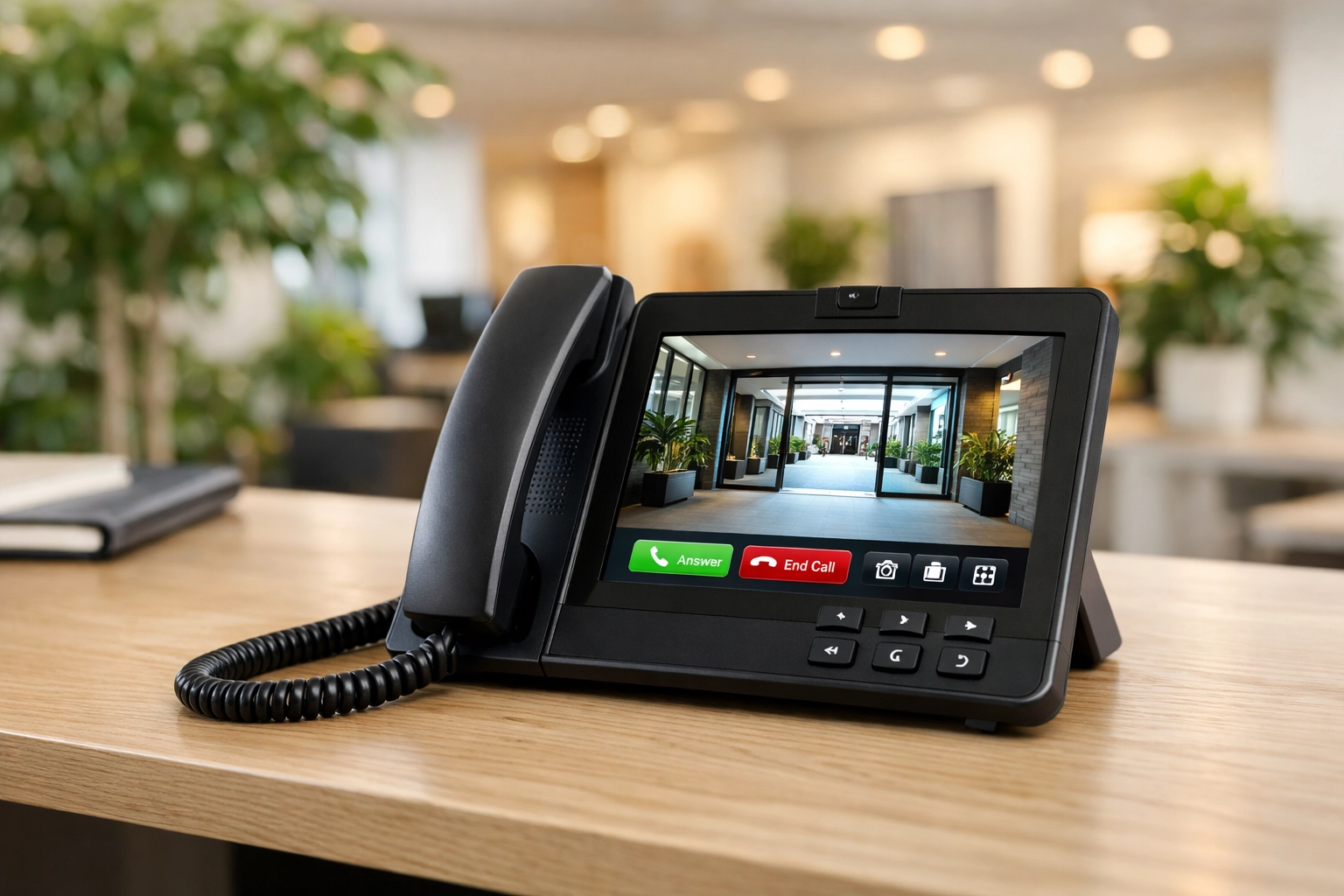
- Executives: Video phones provide a high-end experience, allowing them to see exactly who is at the door without leaving their desk.
- Paging Systems: For large facilities, you can integrate your paging system so that a door "ring" is broadcast over the warehouse speakers.
The Future of Access in Canada
As we look toward the future of cloud PBX Canada, the integration is getting even tighter. We are seeing more businesses implement biometric readers and mobile credentials that bypass the need for a physical "call" altogether, while still using the PBX infrastructure to manage the data and alerts.
However, for most small to medium businesses, the SIP-integrated door phone remains the gold standard for balancing security, convenience, and cost. It removes the "headache" of managing two separate networks and ensures that you never miss a visitor, whether you’re in the office or on the go.
If you are ready to modernize your office, don't look at your phones and your security in isolation. By leveraging a unified approach, you create a more responsive and professional environment.
Whether you need a consultation on structured cabling or you’re looking for the best IP-PBX hardware to get started, the team at Voiswitch is here to guide you through the process. Moving to the cloud shouldn't be complicated: it should be the key that opens your doors to a more efficient way of working.