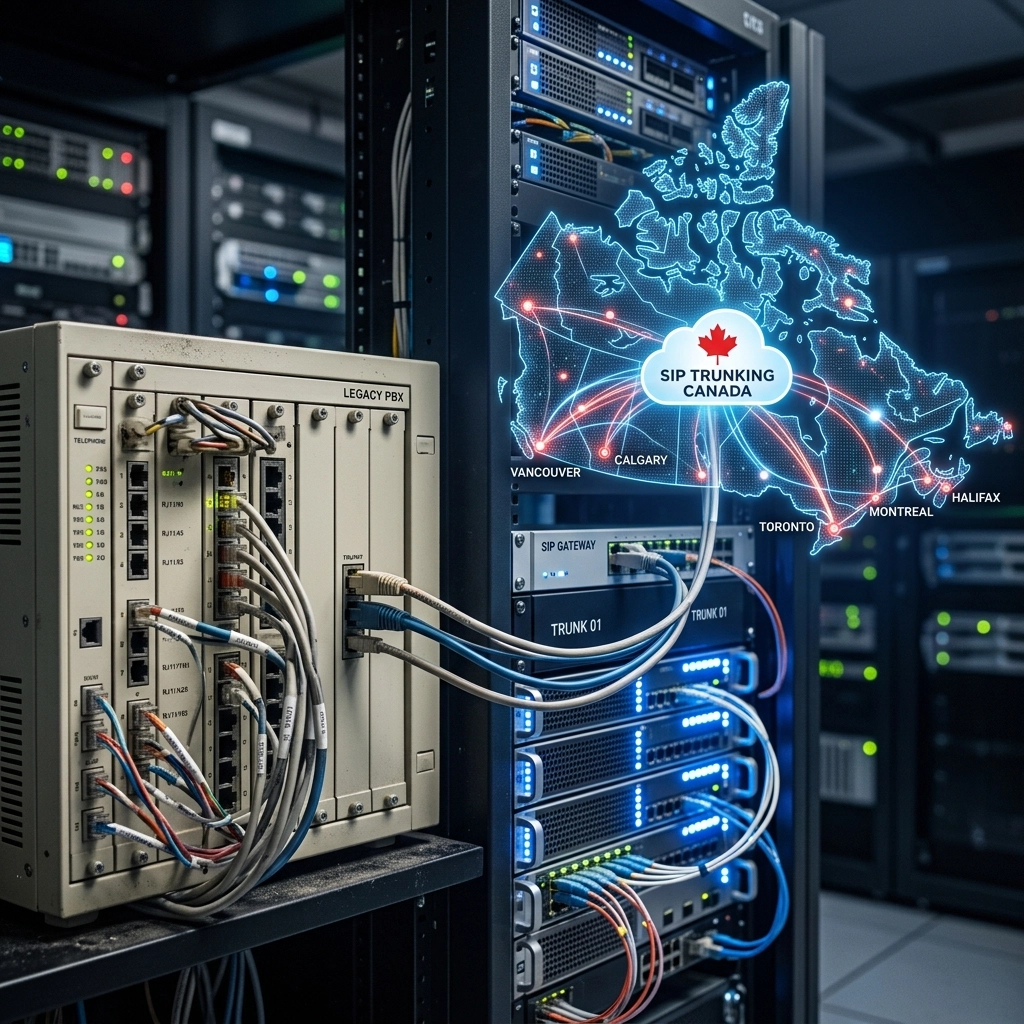
For many Canadian businesses, the traditional PBX system sitting in a dusty closet has become more of a liability than an asset. As customer expectations evolve and remote work becomes a permanent fixture of the corporate landscape, the limitations of legacy hardware are becoming impossible to ignore. High maintenance costs, lack of scalability, and limited feature sets are driving a massive migration toward the cloud.
However, upgrading to a cloud call center solution is not a "one-size-fits-all" process. The market is saturated with providers, each promising the latest features and the lowest rates. To make an informed decision for your organization, you need to look beyond the marketing gloss. Here are 10 critical things you should know before you pull the plug on your old system and transition to a modern cloud-based environment.
1. How does cloud architecture impact your call quality?
The first thing to understand about business voip canada is that not all cloud architectures are created equal. In a traditional setup, you owned the hardware and the wires. In the cloud, you are relying on the provider’s network infrastructure to carry your voice data. If that infrastructure is poorly designed, you will experience jitter, latency, and dropped calls.
Top-tier providers use a dual-cloud or hybrid architecture. This ensures that if one data center experiences an outage, your traffic is instantly rerouted without your customers noticing a thing. When evaluating a solution, ask about their global voice network and where their points of presence (PoPs) are located. For a Canadian business, having local data centers is essential to minimize the physical distance data travels, ensuring crystal-clear audio.

2. Why is omnichannel support now a standard requirement?
The term "call center" is rapidly being replaced by "contact center." This isn't just a semantic change; it reflects a shift in how customers want to communicate. A modern cloud solution should support voice, SMS, live chat, and email within a single interface.
When your agents have to jump between a phone app, an email client, and a web chat tool, productivity plummets and errors increase. An integrated omnichannel approach allows an agent to see a customer’s entire interaction history across all platforms. If a customer sent an email yesterday and is calling today, the agent should already have that context on their screen.
3. What role does AI play in your daily operations?
Artificial Intelligence is no longer a futuristic concept: it is a practical tool for improving call center efficiency. When looking at a cloud pbx canada solution, check for built-in AI capabilities that go beyond simple voice recognition.
Key AI features to look for include:
- Automatic Transcription: Converting calls to text in real-time for easier record-keeping.
- Sentiment Analysis: Detecting if a caller is frustrated or happy, allowing managers to intervene when necessary.
- AI-Powered Summaries: Saving agents minutes of post-call work by automatically generating a summary of the conversation.
- Keyword Trend Analysis: Identifying common themes or problems your customers are facing across thousands of calls.
4. Can the solution integrate seamlessly with your CRM?
One of the biggest advantages of moving to the cloud is the ability to connect your phone system to the rest of your tech stack. Your CRM (Customer Relationship Management) software, such as Salesforce or HubSpot, should be the "source of truth" for your business.
A robust cloud call center solution offers native CRM integration. This means when a customer calls, their record pops up automatically on the agent's screen (often called a "screen pop"). It also ensures that every call, text, and recording is logged automatically against the contact record. Without this integration, you are relying on agents to manually enter data, which leads to incomplete records and wasted time.

5. What are the real costs of a cloud transition?
While cloud solutions are generally more cost-effective than maintaining on-premises hardware, the pricing models can be complex. Most providers offer tiered per-user/per-month pricing. A basic plan might cost $30 per user, while an enterprise-level plan with all the AI bells and whistles could exceed $150 per user.
Beyond the monthly subscription, you must account for:
- Implementation Fees: Setting up complex routing and IVR menus.
- Hardware Upgrades: While the "brain" is in the cloud, you may still need physical IP phones or headsets.
- Network Readiness: Your internet connection might need an upgrade to handle the increased VoIP traffic. This often involves investing in high-quality routers to prioritize voice data.
6. Is the solution truly mobile and remote-friendly?
A primary driver for the move to cloud-based systems is the need for flexibility. Whether your team is working from an office in Toronto, a home in Vancouver, or while traveling, the experience should be identical.
The best solutions offer high-quality mobile and desktop applications that mimic the functionality of a physical desk phone. Agents should be able to transfer calls, join queues, and access the company directory from their smartphones just as easily as they could from their desks. This flexibility allows businesses to hire talent from across Canada without being restricted by geography.

7. How do advanced routing and IVR reduce wait times?
Nothing frustrates a customer more than being bounced from department to department. Advanced routing features ensure the caller reaches the right person the first time. Look for "skills-based routing," which directs calls to agents based on their specific expertise: for example, routing technical queries to senior technicians and billing questions to the accounting team.
An Intelligent Voice Response (IVR) system is also vital. Modern IVRs allow for self-service options, such as checking an account balance or track a package, without ever speaking to an agent. This reduces the load on your team and provides faster answers for the customer.
8. How do analytics and monitoring drive performance?
In a traditional office, a manager can walk the floor to see how agents are performing. In a remote or hybrid environment, you need digital tools to maintain quality. Cloud platforms provide real-time dashboards that show:
- Average handle time.
- Number of callers in the queue.
- Abandonment rates.
- Live call monitoring (listen-in, whisper, or barge-in features).
These analytics allow managers to make data-driven decisions. If you see wait times spiking at 2:00 PM every Tuesday, you can adjust your staffing levels accordingly. High-tier plans also include screen recording, allowing managers to see exactly what an agent was doing on their computer during a call for training purposes.
9. Does the ecosystem support your existing hardware?
Many businesses fear that moving to the cloud means throwing away all their existing equipment. While cloud-native is often the goal, many organizations prefer a gradual transition. This is where IP PBX systems and VoIP adapters (ATA) come into play.
A good provider will offer an open ecosystem. They should support a variety of hardware brands, such as Grandstream, and provide clear documentation for manual configuration. If you have significant investments in conference phones or specialized paging systems, ensure the cloud solution can integrate with them via SIP (Session Initiation Protocol).
10. Cloud, On-Premises, or Hybrid: Which deployment is right?
Finally, you must decide which deployment model fits your risk profile and infrastructure.
- Cloud-Only: Best for small to medium businesses that want zero hardware maintenance.
- On-Premises: Increasingly rare, but sometimes chosen by large enterprises with very specific security requirements.
- Hybrid: A middle ground where you keep some local hardware (like an IP PBX) while utilizing cloud services for remote connectivity and advanced features.
Before choosing, conduct a thorough audit of your structured cabling services. Even the best cloud solution will fail if your internal network is running on outdated Cat5 cables or has poor termination. Professional networking and high-quality cabling are the foundation upon which your entire communication system rests.

Conclusion: Making the Move with Confidence
Upgrading to a cloud call center solution is more than just a technology swap; it is a strategic move to improve customer experience and operational efficiency. By focusing on architecture, integration, and the specific needs of your Canadian workforce, you can avoid the common pitfalls of a poorly planned migration.
The goal is to move away from the headaches of managing physical wires and aging servers and toward a flexible, scalable environment that grows with your business. Whether you are looking for advanced video phones to enhance internal collaboration or just need a reliable way to manage customer calls, the cloud offers a level of reliability that legacy systems simply cannot match. Take the time to evaluate these 10 factors, and you will be well-positioned to lead your business into the future of telecommunications.