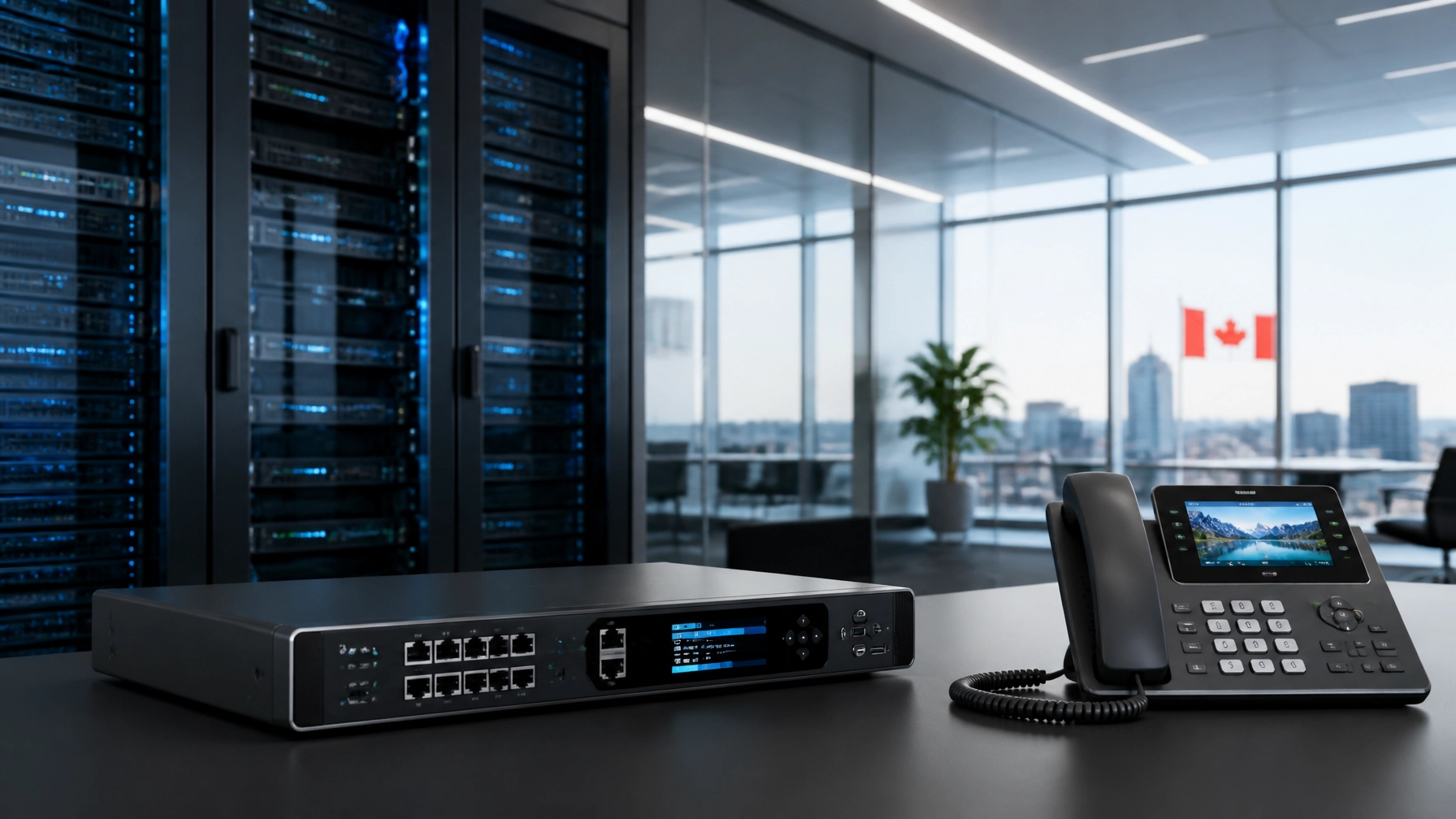
Roadmap: Transitioning to a 100% Remote Office
Moving from a traditional office to a fully remote model doesn't happen overnight. Follow this structured approach to ensure a smooth transition:
Phase 1: Audit and Plan
- Identify User Personas: Who needs a desk phone? Who only needs a mobile app?
- Map Your Call Flow: How should the main line be answered? Create an "Auto-Attendant" map that directs callers to Sales, Support, or Billing.
- Internet Check: Have your remote employees run speed tests to ensure their home connections meet the minimum stability requirements for VoIP.
Phase 2: Hardware and Software Setup
- Order Hardware: Select your IP phones and headsets. Voiswitch can pre-configure these devices so they are "plug-and-play" the moment they arrive at your employees' homes.
- Install Apps: Deploy the desktop softphone and mobile apps to all staff.
Phase 3: Number Porting
- Keep Your Identity: You do not need to change your business number. Through a process called "Porting," you can move your existing Canadian numbers over to the Voiswitch network. This usually takes 5-10 business days.
Phase 4: Training and Optimization
- Team Training: Spend 30 minutes showing your team how to transfer calls, set their "Away" status, and access their voicemail-to-email notifications.
- Review Analytics: After 30 days, use the built-in reporting to see when your peak call times are and adjust your staffing levels accordingly.
Frequently Asked Questions
Can I use my existing internet for Business VoIP?
Yes, most high-speed internet connections in Canada are sufficient for VoIP. However, for the best quality, we recommend using a wired Ethernet connection rather than Wi-Fi for your desk phone.
Is VoIP reliable during power outages?
Because a Cloud PBX lives in the cloud, the system itself never goes down. If an employee loses power or internet at home, the system can automatically reroute calls to their mobile phone or a central voicemail.
Do I need a separate phone line for my remote office?
No. VoIP uses your existing internet connection. You can have multiple "virtual lines" running over a single physical internet connection.
Does Voiswitch offer support if something goes wrong?
Yes. One of our core USPs is award-winning 24/7 customer support. We help with everything from initial setup to ongoing troubleshooting, ensuring your remote office remains connected around the clock.
Conclusion: Lead Your Remote Office with Confidence
The transition to a 100% remote office is more than a cost-saving measure: it is a commitment to flexibility, resilience, and modern professionalism. By leveraging Business VoIP Canada and the power of a Cloud PBX, you remove the physical boundaries of your business, allowing your team to perform at their best from anywhere in the country.
Ready to modernize your communications? Explore the Voiswitch Shop for the latest in IP hardware, or contact our team today to design a custom end-to-end communication solution for your Canadian business.