
Why “phone system upgrades” usually fail (and how to avoid it)
For a lot of Canadian businesses, the phone system started as an afterthought: a few analog lines, a basic PBX, and “it works, don’t touch it.” Then the business adds remote staff, a CRM, a ticketing platform, multiple locations, and higher expectations for uptime. Suddenly the old approach becomes a liability.
The most common failure isn’t choosing the wrong Cloud PBX provider. It’s trying to bolt a modern Cloud PBX onto a network that was never designed for real-time voice.
Problem: Legacy PBX and ad-hoc networking don’t prioritize voice traffic, don’t segment devices, and don’t plan for redundancy.
Solution: Treat your cloud pbx canada rollout as a networking project first, then a telecom project.
This guide breaks down how to integrate business voip canada with a professional networking foundation, including routers, VLANs, QoS, and structured cabling services, without overcomplicating the implementation.
What does “integrating Cloud PBX with networking infrastructure” actually mean?
Cloud PBX is hosted off-site, but your call quality still depends on what happens on-site. Integration means aligning four layers so they behave like one system:
- Voice layer: Cloud PBX platform, SIP registration, extensions, voicemail, auto-attendants
- Endpoint layer: desk phones, softphones, cordless handsets, conference phones, ATAs, door phones
- LAN layer: switches, VLANs, PoE, cabling, Wi‑Fi design (where applicable)
- WAN layer: business internet, router/firewall, VPN (optional), failover connectivity
When these layers are planned together, you get predictable call quality, easier troubleshooting, and a setup that scales with minimal rework.
What networking problems cause poor VoIP quality?
VoIP is unforgiving. A slow file download may just take longer, but voice issues show up instantly.
The usual culprits are:
- Jitter: packets arrive unevenly, causing choppy audio
- Packet loss: missing audio data (robotic voice, dropped words)
- Latency: noticeable delay, people talk over each other
- Bufferbloat / congestion: voice competes with backups, cloud sync, or large downloads
- Bad Wi‑Fi assumptions: voice over Wi‑Fi works, but only with proper design and roaming behavior
If your organization has ever said “VoIP sounds bad,” it’s rarely the cloud PBX itself. It’s almost always the LAN/WAN conditions.
How do you design the “voice-ready” network for Cloud PBX Canada?
A voice-ready network doesn’t require enterprise complexity. It requires a few disciplined decisions.
1) Should you use a voice VLAN?
In most businesses, yes.
Problem: Phones and PCs share the same broadcast domain and compete for resources. Troubleshooting becomes messy.
Solution: Put VoIP endpoints on a dedicated Voice VLAN and keep user traffic on a Data VLAN.
Benefits:
- Cleaner security boundaries (phones can’t easily talk to everything)
- Easier QoS policies (match the voice subnet/VLAN)
- Faster troubleshooting (you can isolate voice issues quickly)
Practical tip: many managed switches support “voice VLAN” features that automatically detect common VoIP phone behavior and place devices correctly.
2) What QoS settings actually matter for VoIP?
QoS (Quality of Service) is how your network prioritizes voice packets during congestion.
Focus on these priorities:
- Marking: DSCP for RTP media (commonly EF) and SIP signaling (often CS3/AF31 depending on vendor)
- Queuing: ensure voice queues are strict-priority or high-priority
- WAN shaping: prevent internet uplink saturation (often the real reason QoS “doesn’t work”)
Common mistake: enabling QoS only on switches but not shaping traffic on the router/firewall. If the WAN link saturates, voice will still suffer.
3) Do you need PoE switches?
If you’re deploying desk phones, usually yes.
Problem: Power bricks everywhere create clutter and failures.
Solution: Use PoE/PoE+ switches so phones remain powered and centrally managed.
It also simplifies:
- UPS-backed calling during short power events
- desk moves/adds/changes without electricians
- consistent uptime for phones, door phones, and paging adapters
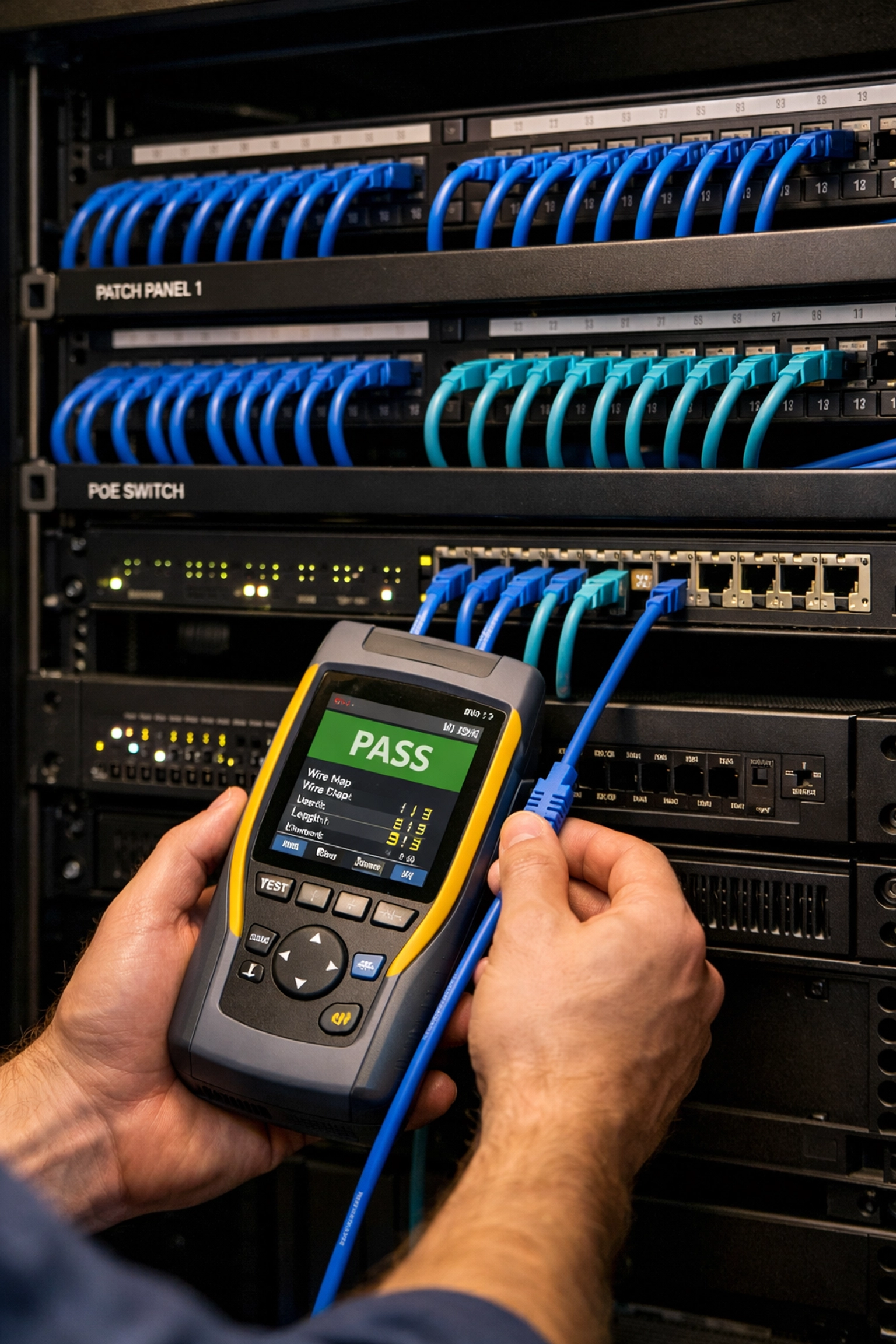
4) What’s the role of structured cabling services?
This is where a lot of VoIP “mystery problems” start.
Problem: Old Cat5 runs, bad terminations, daisy-chained cabling, or undocumented patching cause intermittent link issues and renegotiation, devastating for voice.
Solution: Validate cabling and, where needed, upgrade through professional structured cabling services.
A clean cabling baseline includes:
- Cat6 (or better) for new runs
- labeled patch panels and ports
- tested drops (certification results if possible)
- correct cable management to reduce strain and re-termination issues
If you’re planning a Cloud PBX rollout, it’s a perfect time to address cabling because endpoints (phones, ATAs, door phones) often require new drops anyway. For cabling planning and implementation options, see: https://voiswitch.net/structured-cabling
How do you connect Cloud PBX to your telecom environment (SIP, numbers, and routing)?
Even though the PBX is “in the cloud,” you still need a clean path for calling.
Should you use SIP trunks with Cloud PBX?
Often, yes: especially if you need flexibility, multiple number blocks, or cost control.
Cloud PBX platforms may:
- include PSTN calling as part of the service, or
- integrate with SIP trunking providers
Why it matters: SIP trunk choices affect redundancy options, failover routing, compliance requirements, and cost per minute.
What does number porting and DID mapping involve?
Plan time for:
- porting existing numbers (DIDs)
- mapping DIDs to auto-attendants, ring groups, or direct extensions
- defining emergency calling (E911) address mapping for each location
Tip: If you have multiple sites, document which DIDs belong to which site and department. The mapping work is straightforward, but only if the inventory is accurate.
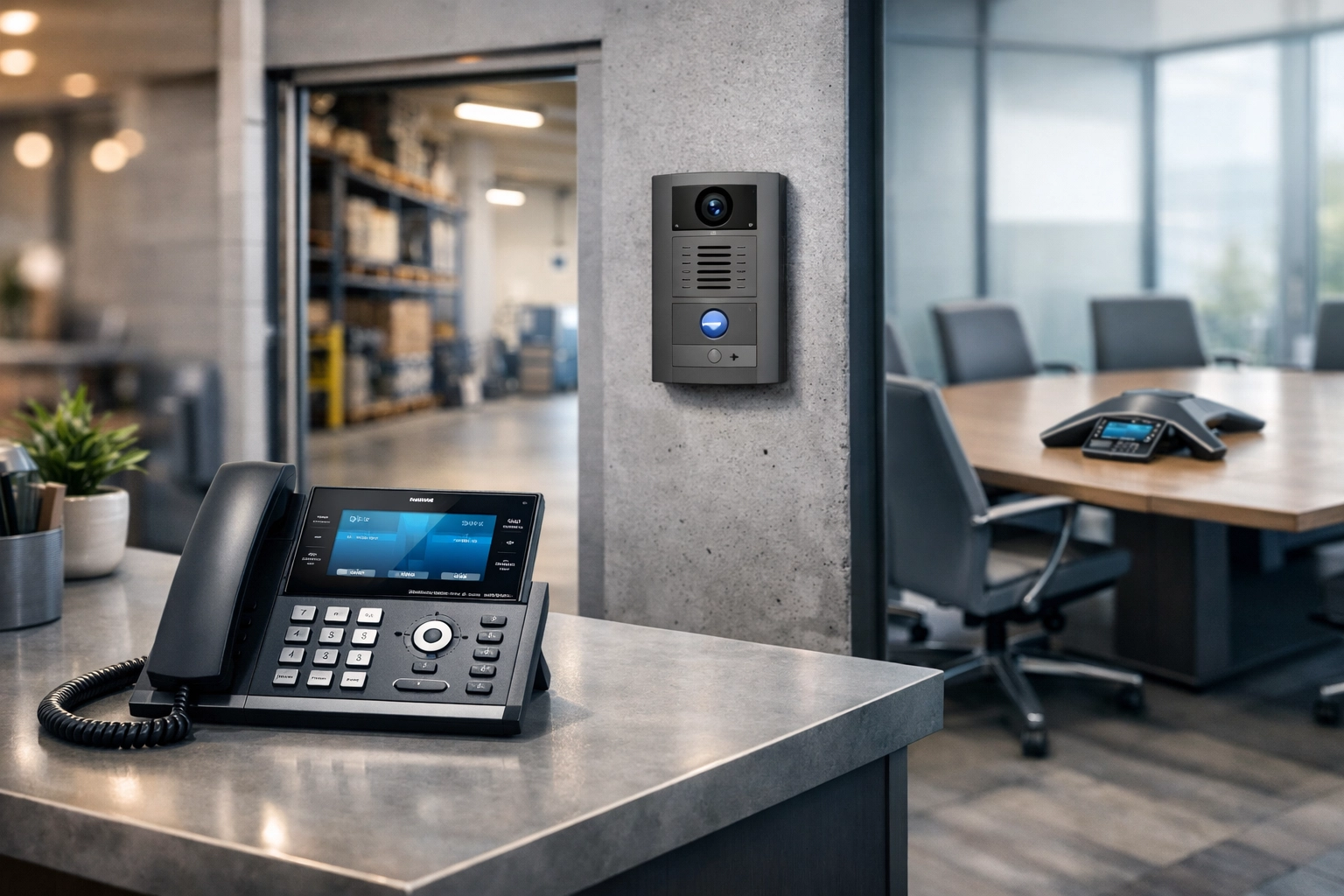
Which endpoints integrate best: IP phones, softphones, ATAs, and door phones?
Cloud PBX is flexible, but the endpoint strategy should match how your team actually works.
IP desk phones (best for front desks, call handling, and shared spaces)
Pros:
- stable audio and predictable user experience
- supports BLF keys, transfer, hold, park, and paging
- simple to train for reception roles
If you’re equipping a team with desk phones, browse options here: https://voiswitch.net/product-category/ip-phones
Softphones (best for mobile/remote and hybrid teams)
Pros:
- works anywhere with good internet
- integrates well with headsets and laptops
- easy to scale quickly
Networking note: remote call quality often depends more on the user’s home network than your office. Provide a short “home VoIP checklist” (router placement, wired vs Wi‑Fi, avoid VPN if not required, etc.).
ATAs (best for analog devices you can’t replace yet)
If you have fax machines (where still required), paging amps, or specialty analog devices, ATAs bridge them to VoIP.
Problem: Replacing every analog device at once may be expensive or operationally risky.
Solution: Use ATAs strategically and phase out analog devices over time.
Relevant hardware category: https://voiswitch.net/product-category/voip-adapters-ata
IP door phones and access points (best for warehouses, clinics, multi-unit entrances)
Problem: Legacy door intercoms are often tied to old PBX ports.
Solution: IP door phones register as VoIP endpoints, enabling:
- call-to-extension behavior
- call routing by schedule
- remote answering via softphone
See options: https://voiswitch.net/product-category/ip-door-phones
How do you integrate Cloud PBX with CRM/helpdesk workflows without making it fragile?
Many Cloud PBX platforms support integrations with CRMs and support tools (and this is one of the biggest practical wins). But the goal isn’t “integrate everything.” The goal is to integrate the parts that reduce handling time and improve data accuracy.
High-value integration outcomes:
- Click-to-call from CRM records
- Screen pops for inbound calls (who is calling?)
- Automatic call logging (time, duration, disposition)
- Voicemail-to-email or voicemail-to-ticket workflows
- Queue analytics in support environments
Integration tips:
- assign a technical owner (IT or operations) to maintain tokens/API keys and user provisioning
- document role-based access (who is allowed to see call recordings, logs, and analytics)
- standardize caller ID formatting to improve contact matching
Problem: CRM integration projects fail when the phone system user directory doesn’t match reality.
Solution: establish a single source of truth for users (HR or IT), and define joiner/mover/leaver processes before go-live.
What router and firewall considerations matter most for Business VoIP Canada?
You don’t need exotic firewall rules, but you do need predictable behavior.
Key considerations:
- Stable NAT behavior (SIP is sensitive to poor NAT implementations)
- SIP ALG: often causes more problems than it solves; disable if it interferes with registration/audio
- Firewall session timeouts: ensure UDP timeouts aren’t overly aggressive
- Separate guest Wi‑Fi from business networks (do not let guest traffic compete with voice)
If your WAN edge is due for an upgrade, consider business-grade routers designed for QoS and multi-WAN failover. Hardware options live here: https://voiswitch.net/product-category/routers
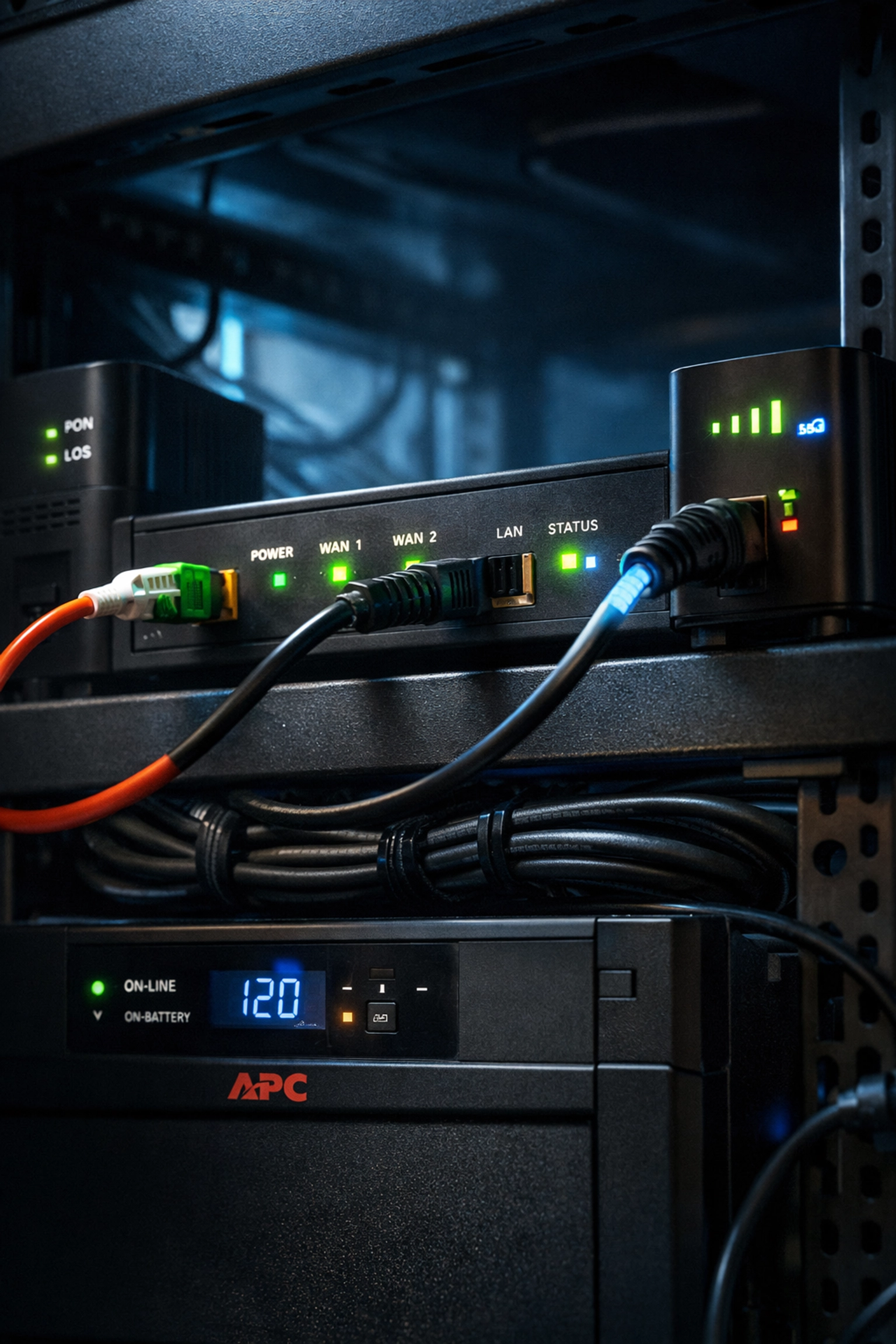
Do you need redundancy, and what does “good failover” look like?
Redundancy is where Cloud PBX shines: if you design for it.
1) Internet redundancy (the #1 lever)
Options commonly used by Canadian SMBs:
- primary fibre/cable + secondary cable/DSL
- primary wired + LTE/5G backup
- dual WAN with automatic failover and health checks
If you’re assessing internet options that support VoIP reliability, start here: https://voiswitch.net/business-internet
2) Power redundancy (often ignored)
- UPS on network rack (router, switches, access points)
- PoE phones benefit immediately (no desk power bricks to fail)
- short outages become survivable instead of catastrophic
3) Call routing redundancy (Cloud PBX features)
Plan how the system behaves when the office is unreachable:
- forward main numbers to mobile ring groups
- enable failover to an answering service
- define “after-hours + outage” call flows
Problem: Businesses set up Cloud PBX but keep old single-path thinking.
Solution: build a written outage call-flow plan and test it quarterly.
How do you implement Cloud PBX integration step-by-step (without downtime)?
A phased rollout keeps risk low and creates quick wins.
Step 1: Baseline your current environment
Inventory:
- sites and floors
- switch models (managed/unmanaged), PoE capacity
- internet circuit(s) and typical usage peaks
- cabling condition (known dead drops, patchwork areas)
- phone numbers (DIDs), extensions, call flows
Step 2: Build the network foundation
- create Voice VLAN + DHCP scope
- set QoS policies on switches and WAN edge
- confirm PoE budget for planned phone count
- remediate cabling issues (test and label)
Step 3: Pilot with a small group
Choose users who:
- make/receive a meaningful number of calls
- can provide good feedback
- represent typical use cases (transfer, voicemail, conference, mobile app)
Track:
- MOS or call quality indicators (if available)
- reported jitter/latency symptoms and patterns
- time-of-day issues (often bandwidth contention)
Step 4: Migrate numbers and expand in waves
- port numbers in batches if you have many DIDs
- move departments one at a time
- keep the old system available briefly if you need rollback options
Step 5: Lock in operations
Define:
- who provisions new extensions
- how handset replacements are handled
- where call recordings/logs are stored and for how long
- periodic network reviews (especially after office moves or renovations)
Common integration mistakes (and what to do instead)
-
Mistake: Running phones on the same flat network as everything else
Do instead: Use a Voice VLAN + basic segmentation -
Mistake: Assuming QoS fixes bandwidth limits
Do instead: Add WAN shaping and right-size your business internet -
Mistake: Using consumer switches with no PoE in a “phone-heavy” office
Do instead: Deploy managed PoE switches and budget for growth -
Mistake: Skipping cabling validation because “the internet works”
Do instead: Test, label, and upgrade cabling: especially for new drops -
Mistake: Treating CRM integration as a one-time setup
Do instead: Assign ownership and document user lifecycle processes
What “good” looks like after integration
When Cloud PBX is properly integrated with a professional network, the outcome is simple: fewer headaches.
You should expect:
- consistent call quality during busy network periods
- faster troubleshooting (voice is isolated, measurable, and documented)
- easier growth (new users and devices don’t trigger rewiring or redesign)
- better workflows through CRM/helpdesk integration
- resilient operations through internet and call routing failover
If you’re planning a rollout or troubleshooting an existing cloud pbx canada deployment, treating the LAN/WAN and structured cabling services as part of the phone system: not separate projects: is usually the difference between “VoIP is annoying” and “VoIP just works.”