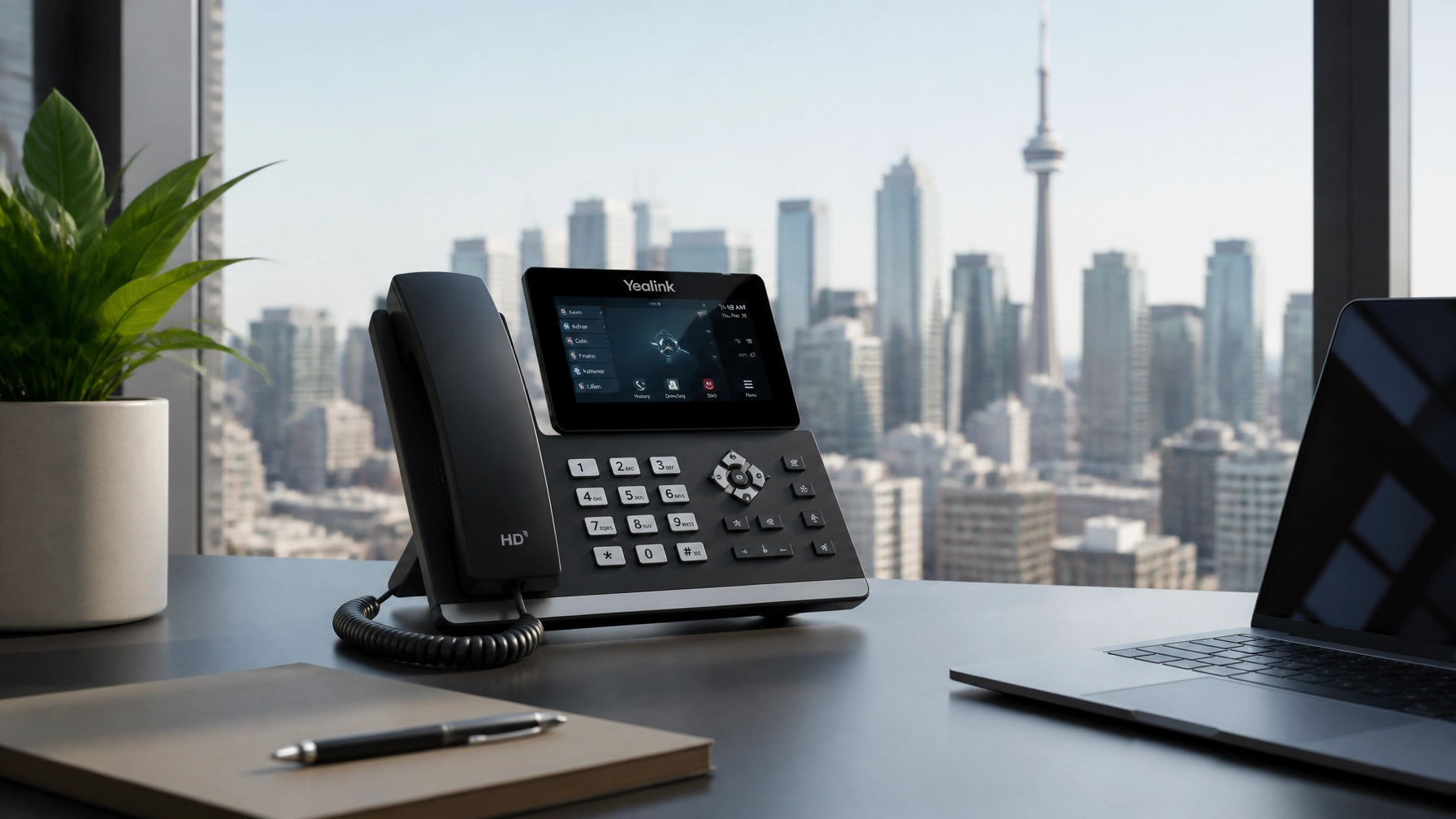
For many Canadian business owners, upgrading a phone system feels like a straightforward retail purchase. You browse a few websites, look at the sleek screens of modern IP phones, and hit "buy." However, treating a business phone system like a simple consumer gadget is one of the fastest ways to encounter dropped calls, poor audio quality, and expensive technical "headaches."
Before you commit to a single piece of hardware, you must understand that the modern business phone is no longer just a device: it is a node on your network. In the world of business VoIP Canada, the success of your communication depends 10% on the phone and 90% on the infrastructure behind it.
This guide will walk you through the essential steps you must take before spending a single dollar on hardware to ensure your new system is a liability-free asset.
Why is hardware actually the last step?
The primary mistake businesses make is prioritizing the physical handset over the system architecture. Modern telephony is built on Voice over Internet Protocol (VoIP). This means your voice is converted into data packets that travel over your local network and the internet.
If your network is outdated, your internet is slow, or your cabling is damaged, even a $500 executive IP phone will sound like a scratchy radio from the 1940s. By focusing on your infrastructure first, you ensure that when those new phones arrive, they work perfectly the moment they are plugged in.
Is your internet connection ready for "Business VoIP Canada"?
The foundation of any modern phone system is your internet connection. Unlike browsing the web or sending emails, voice data is "latency-sensitive." If a data packet for an email arrives half a second late, you won't notice. If a voice packet arrives late, the call cuts out, or the audio becomes garbled.
Before buying hardware, you must perform a network audit:
- Bandwidth Calculation: A standard rule for professional VoIP is to allocate approximately 100 kbps of dedicated upload and download bandwidth per concurrent call. If you expect 20 people to be on the phone at once, you need at least 2 Mbps of bandwidth reserved specifically for voice.
- Stability over Speed: While high-speed internet is great, "jitter" and "latency" are more important for phones. You need a stable, business-grade connection with low latency.
- Redundancy: If your internet goes down, your phones go down. We often recommend a secondary Business Internet connection for failover to ensure your business stays reachable 24/7.
Why you need professional "Structured Cabling Services"

Many older Canadian offices are wired with Cat3 or basic Cat5 cabling designed for traditional analog phones. Modern IP phones require high-quality Ethernet cabling: typically Cat5e or Cat6: to function correctly.
Before buying new hardware, ask yourself: Does every desk have a functional Ethernet port? If you are relying on Wi-Fi for your desk phones, you are inviting interference and dropped calls. For a reliable, professional-grade setup, wired is always better.
Investing in structured cabling services ensures that your office has the "highways" necessary to carry high-definition voice data. Professional installation includes testing every line for signal integrity, which prevents "ghost" issues that are nearly impossible to troubleshoot later.
Cloud PBX vs. SIP Trunks: Which architecture fits you?

You cannot choose your hardware until you decide on the "brain" of your system. In Canada, there are two primary paths for modern businesses:
1. Cloud PBX Canada
A Cloud PBX (Hosted PBX) is a system where the phone "brain" lives in a secure data center. You don't need a server in your closet; you only need the IP phones and an internet connection.
- Best for: Small to mid-sized businesses, remote teams, and companies that want to avoid maintenance.
- Hardware needed: Only IP phones and headsets.
2. SIP Trunks for On-Premise PBX
If your business already owns a physical PBX server or has specific regulatory requirements to keep data on-site, you likely need SIP Trunks. This allows your physical server to connect to the outside world via the internet.
- Best for: Larger corporations or those with complex custom requirements.
- Hardware needed: A physical PBX server, plus IP phones.
Choosing the wrong architecture first can lead to buying hardware that is incompatible with your provider's platform.
Powering your phones: Don't forget the switches

In the old days, a phone plugged into a wall jack and worked. Modern IP phones require power. You have two choices:
- AC Adapters: Pluggable "wall warts" for every single phone. These create clutter and occupy every power outlet under the desk.
- PoE (Power over Ethernet): This is the professional standard. A PoE switch sends both data and power through a single Ethernet cable to the phone.
Before buying hardware, check your network switches. If they aren't PoE-capable, you will need to either upgrade your switches or budget for individual power adapters for every phone. We highly recommend PoE for a cleaner setup and easier management. You can find a variety of compatible hardware in our online shop.
The hybrid workforce: Do you even need a desk phone?

One of the biggest cost-saving steps you can take is identifying who actually needs a physical phone. With modern systems, your employees can use "softphones": applications that run on their laptops or smartphones.
For many remote or hybrid employees, a high-quality headset paired with a computer application is more efficient than a desk phone.
- Receptionists/Power Users: Usually require a physical phone with an expansion module (sidecar) for easy call transfers.
- Remote/Sales Staff: Often prefer the mobility of a mobile app and a laptop headset.
- Warehouse/Common Areas: Often require ruggedized or basic wall-mounted units.
By auditing your team's actual work habits, you can often reduce your hardware budget significantly.
Canadian compliance: E911 and Number Porting
When moving to a new system in Canada, there are two critical logistical hurdles to clear before you go live:
- E911 (Enhanced 911): Unlike traditional landlines, VoIP phones are portable. You must ensure your provider supports E911, which links your physical address to your digital phone number so emergency services can find you.
- Number Porting: Moving your existing phone numbers from your old carrier to a new VoIP provider typically takes 2 to 4 weeks in Canada. Do not cancel your old service until the port is successful, or you may lose your business phone numbers forever.
Your Pre-Purchase Checklist
Before you sign a contract or buy hardware, verify these items:
- Speed Test: Does your internet have the bandwidth for your expected call volume?
- Router Check: Does your router support QoS (Quality of Service) to prioritize voice traffic?
- Cabling Check: Do you have Cat5e/Cat6 drops at every desk?
- Power Check: Do you have PoE switches or have you budgeted for power adapters?
- Architecture: Have you decided between Cloud PBX and SIP Trunks?
- Legacy Devices: Do you have an old fax machine or door buzzer? You will need an ATA (Analog Telephone Adapter) to make these work with VoIP.
- Porting Info: Do you have a recent copy of your phone bill to facilitate number porting?
Conclusion: Start with a professional audit
Upgrading your business phone system is a major milestone for your company’s efficiency. However, the hardware is just the tip of the iceberg. By focusing on your internet stability, structured cabling, and choosing the right Cloud PBX architecture first, you eliminate the risks that lead to failed deployments.
At Voiswitch, we specialize in end-to-end communication solutions for Canadian businesses. We don't just sell you phones; we ensure your entire infrastructure is ready for the future. Whether you need a simple cloud setup for a small team or complex structured cabling for a large facility, we provide the 24/7 support and expertise you need.
Ready to modernize your communications without the headache? Contact Voiswitch today for a comprehensive network audit before you buy.