The landscape of business communication in Canada has shifted dramatically over the last decade. For years, the standard for any professional office was a bulky "phone closet" filled with wires and expensive hardware. Today, the rise of high-speed internet and sophisticated software has introduced a significant choice for business owners: stay with on-premise hardware or move to the cloud.
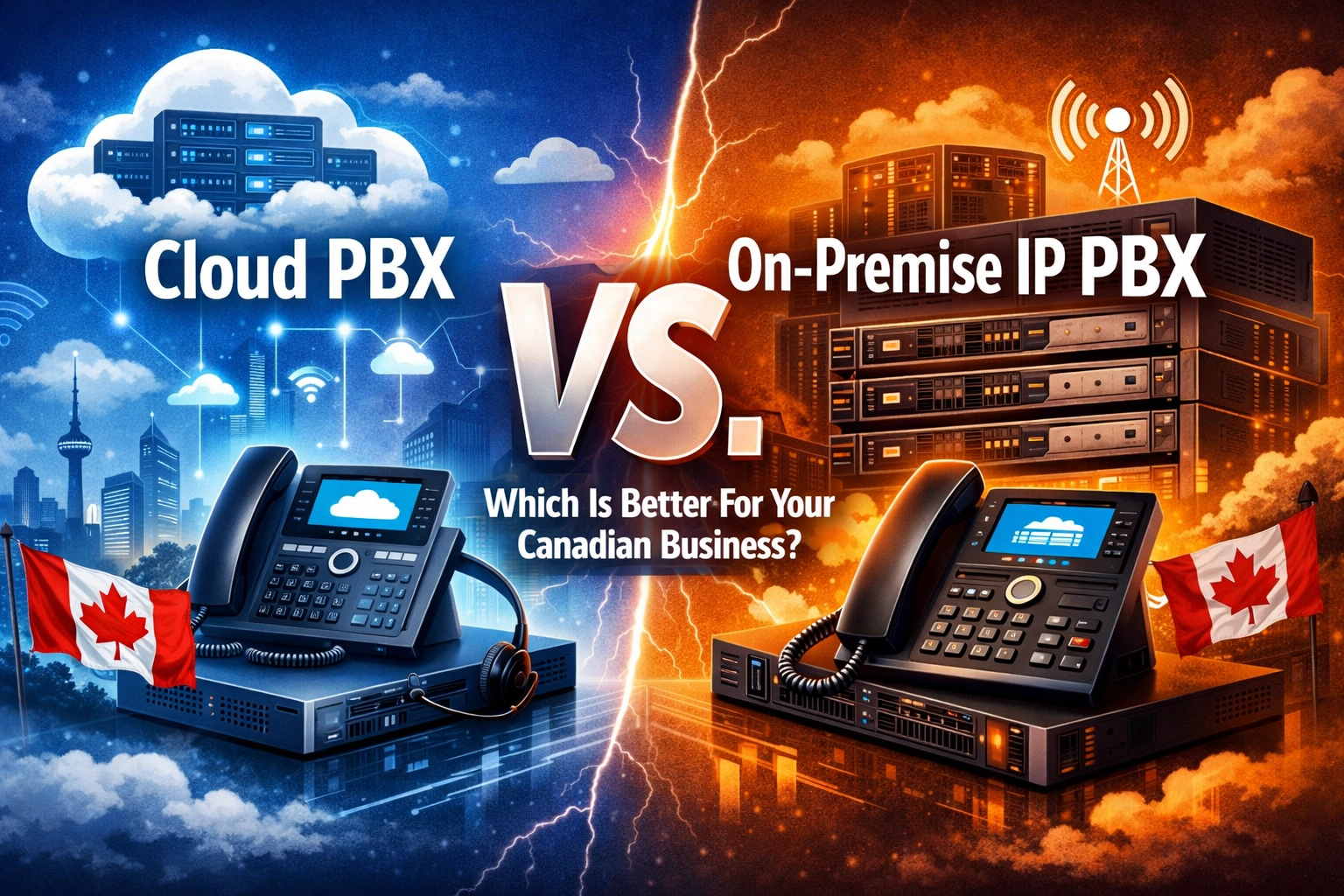
Choosing between a Cloud PBX and an On-Premise IP PBX is not just a technical decision; it is a financial and operational one. Both systems utilize Voice over IP (VoIP) technology to route calls over the internet, but they differ fundamentally in how they are managed, how much they cost, and how they scale.
In this guide, we will break down the differences to help you determine which solution best serves your Canadian business.
What is Cloud PBX?
Cloud PBX (Private Branch Exchange) is a phone system that is hosted entirely on the internet. Instead of having a physical server located in your office, the "brains" of your phone system reside in a secure, off-site data center managed by your provider.
For most companies seeking cloud pbx canada, this means your phones connect via your office network to a provider like Voiswitch. You don't need to worry about server maintenance, software updates, or complex wiring. Everything is managed through a web portal, making it an ideal choice for businesses that want a "plug-and-play" experience.
What is On-Premise IP PBX?
An On-Premise IP PBX is a physical server that is installed directly at your business location. While it still uses VoIP to handle calls, the hardware is yours to own and control. This system connects to your IP phones through your local area network (LAN).
This setup is the modern version of the traditional office PBX. It offers total control over your data and communication environment, but it requires a larger upfront investment and ongoing technical expertise to maintain.

Cost Comparison: Capex vs. Opex
One of the most significant factors for any Canadian business is the budget. The two systems represent two very different financial models.
Cloud PBX: The Operating Expense (Opex) Model
Cloud PBX typically requires little to no upfront capital investment. You don't need to buy a server or pay for licensing fees. Instead, you pay a predictable monthly subscription fee per user.
- Low Entry Cost: Perfect for startups and small businesses.
- Predictable Budgeting: You know exactly what your bill will be every month.
- Included Maintenance: Updates and support are usually included in the monthly fee.
On-Premise IP PBX: The Capital Expense (Capex) Model
With an on-premise system, you are buying the technology outright. This requires a significant initial investment in IP PBX hardware and software licenses.
- High Upfront Costs: You pay for the server, the setup, and the initial licensing.
- Lower Long-Term Monthly Fees: Since you own the hardware, you only pay for your actual phone lines (SIP trunks), which can be cheaper over 5–10 years.
- Maintenance Liability: When the hardware breaks or the software needs an update, you are responsible for the repair costs.
Scalability and Flexibility
As your business grows, your phone system needs to grow with you. This is where the two systems diverge most sharply.
Scaling in the Cloud
With a cloud pbx canada solution, scaling is instantaneous. If you hire five new employees, you simply order five more IP phones and add five seats to your account via an online dashboard. There is no need to install new cards in a server or worry about running out of "ports."
Scaling On-Premise
On-premise systems have physical limits. Your server is designed to handle a specific number of users. Once you hit that limit, you may need to purchase additional hardware modules or even upgrade the entire server. This makes expansion a slower and more expensive process.

Maintenance and Management
Who is going to fix the phones if they stop ringing? This is a critical question for business continuity.
The "Hands-Off" Cloud Approach
When you use a hosted system, the provider handles all the heavy lifting. Security patches, feature upgrades, and system backups are performed automatically in the background. This eliminates the need for a dedicated IT person or an expensive service contract with a local technician. If a problem occurs, it is usually resolved at the data center level without you ever knowing there was an issue.
The "Hands-On" On-Premise Approach
With an on-premise system, you are the owner and the administrator. You (or your IT team) must manage the server, perform manual updates, and ensure the physical hardware is stored in a climate-controlled, secure environment. If the server fails, your business is offline until a technician can arrive on-site with replacement parts.
Reliability and the Internet Dependency Factor
Reliability is often the deciding factor for businesses in remote parts of Canada or those with mission-critical communication needs.
- Internet Reliance: Cloud PBX is 100% dependent on your internet connection. If your internet goes down, your office phones go down. However, most modern cloud systems offer mobile apps, allowing your team to take calls on their cell phones until the office internet returns.
- Local Resilience: An On-Premise IP PBX can still function for internal calls (intercom) and even external calls if you have traditional phone lines connected to it, even if the internet is down.
- Power Outages: Both systems require power. A cloud system stays "alive" in the data center even if your office loses power (allowing calls to go to voicemail or mobile), whereas an on-premise server will shut down unless you have an Uninterruptible Power Supply (UPS).
Remote Work and Modern Teams
The modern Canadian workplace is no longer tethered to a single office. Whether your team is working from home in Toronto or a satellite office in Vancouver, connectivity is key.
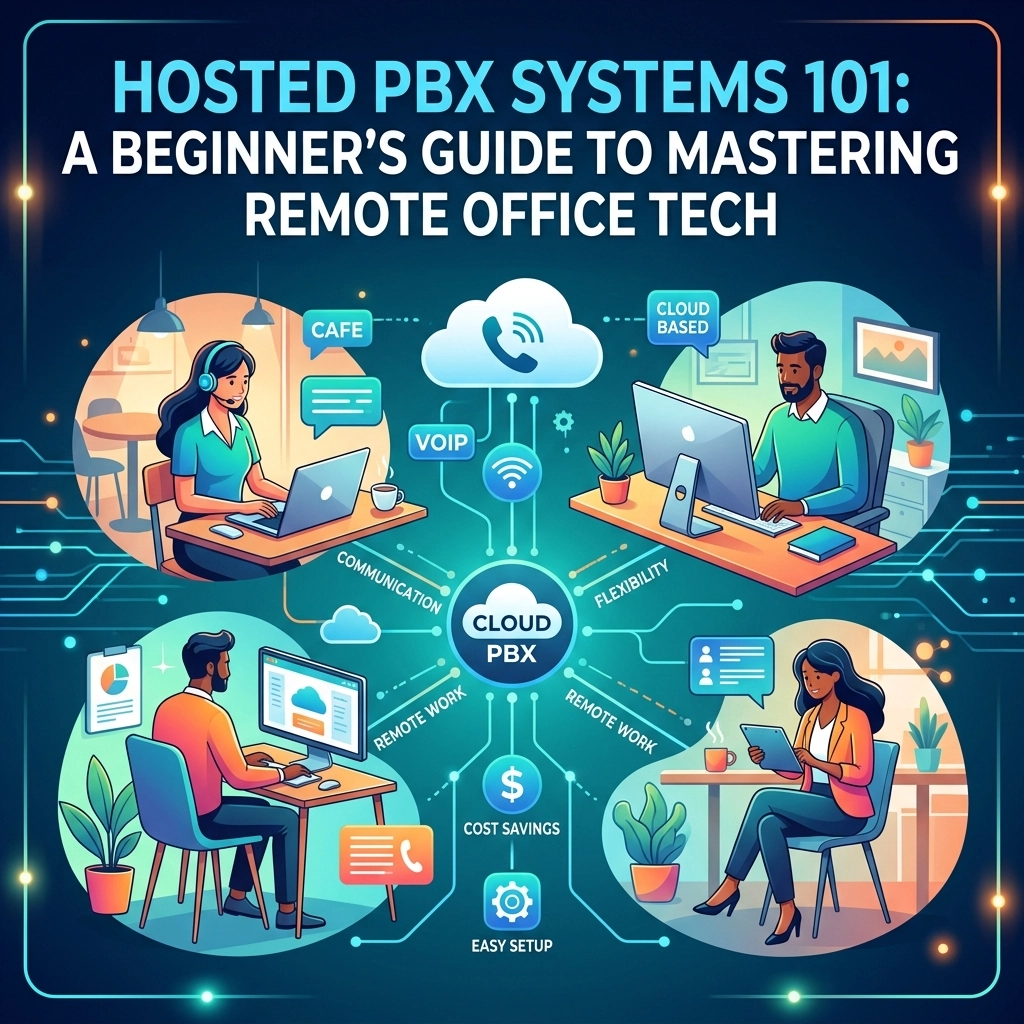
Cloud PBX was built for this. It allows employees to plug their phones into any internet connection in the world and have it function exactly as if they were sitting at their desk in the main office.
On-Premise systems can support remote work, but it usually requires setting up complex VPNs or opening specific ports on your firewall, which can create security vulnerabilities if not handled by a professional.

Structured Cabling: The Foundation of Both Systems
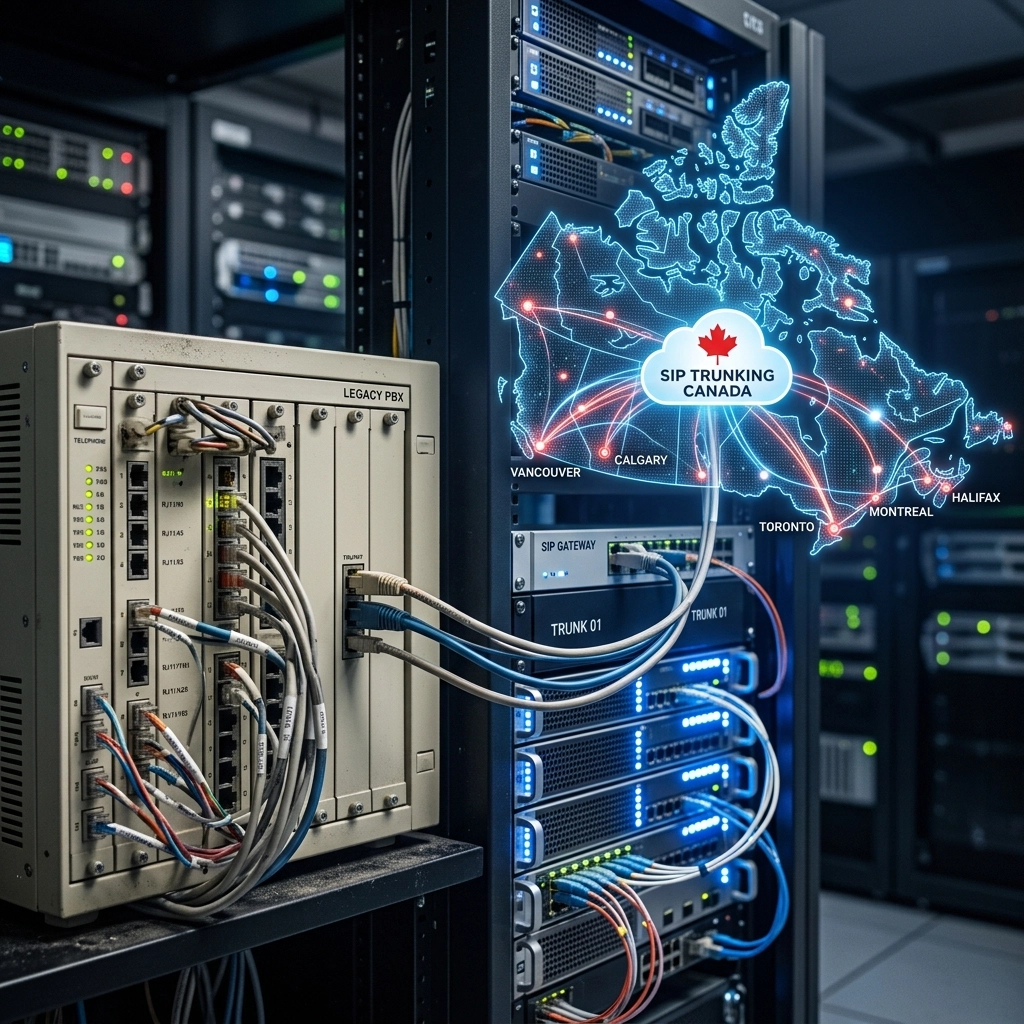
Regardless of whether you choose cloud or on-premise, your system is only as good as the wires connecting it. Many businesses upgrade their phone systems only to find that their old office wiring can’t handle the data load of VoIP.
Professional structured cabling services are essential to ensure your network has the bandwidth and reliability to support high-definition voice calls. Without proper Cat6 cabling and a well-configured network, you may experience "jitter" or dropped calls, regardless of how much you spent on your PBX.
Canadian Compliance and Security
Security is a major concern for Canadian businesses, particularly regarding PIPEDA (Personal Information Protection and Electronic Documents Act) and CRTC regulations.
- Cloud Security: Top-tier providers invest millions in encryption (TLS/SRTP) and physical security for their data centers. Choosing a provider that understands the Canadian regulatory environment ensures your data stays protected.
- On-Premise Security: You have total control over where your data is stored. For businesses in highly regulated industries like law or healthcare, keeping the server physically inside the building provides peace of month, provided your internal network security is robust.
Which Is Better For Your Business?
There is no "one size fits all" answer, but there are clear indicators for which path you should take.
Choose Cloud PBX if:
- You want to avoid large upfront costs.
- You have multiple locations or remote employees.
- You don't have a dedicated IT team to manage hardware.
- You want access to the latest features without paying for upgrades.
- You are looking for the best business voip canada experience with minimal setup.
Choose On-Premise IP PBX if:
- You have a large number of users (typically 50+) and want to minimize long-term monthly costs.
- You operate in an area with unreliable internet but have access to traditional phone lines.
- Your industry requires you to have physical control over all communication hardware.
- You already have an established server room and IT staff.

Final Thoughts
The decision between Cloud and On-Premise often comes down to how much control you want versus how much management you want to outsource. For the vast majority of small to medium-sized Canadian businesses, the flexibility and cost-effectiveness of a cloud pbx canada solution make it the clear winner. It removes the technical "headache" of phone systems and allows you to focus on growing your business.
If you're ready to upgrade your communication infrastructure, explore our Cloud PBX solutions or browse our selection of IP PBX hardware to find the perfect fit for your office. At Voiswitch, we help Canadian businesses stay connected with reliable, professional VoIP services tailored to their unique needs.