![[HERO] Hosted PBX Systems 101: A Beginner’s Guide to Mastering Remote Office Tech](https://cdn.mar4blism.com/L1TiQvEgAft.webp)
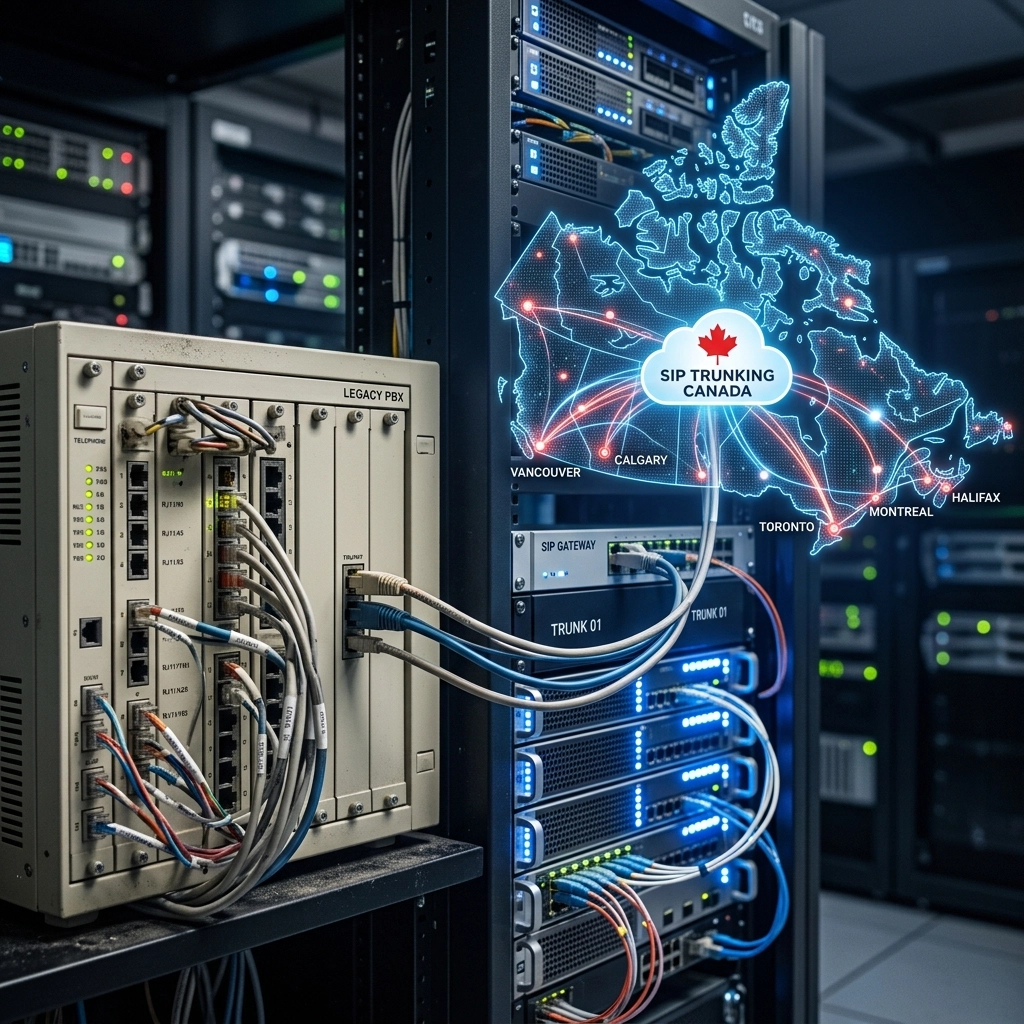
If you’ve ever stepped into the server room of a Canadian office built in the early 2000s, you’ve likely seen it: a massive, beige box bolted to the wall, tangled in a spiderweb of copper wires. That "box" is a traditional PBX (Private Branch Exchange). For decades, it was the heartbeat of office communication. But as the world shifted toward hybrid work and remote teams, those heavy boxes started to feel more like anchors than assets.
For many Canadian business owners, the transition to remote work wasn’t just a logistical hurdle, it was a technical nightmare. Trying to "forward" calls from an on-premise system to a personal cell phone often resulted in dropped calls, poor audio, and frustrated customers.
Enter the Hosted PBX.
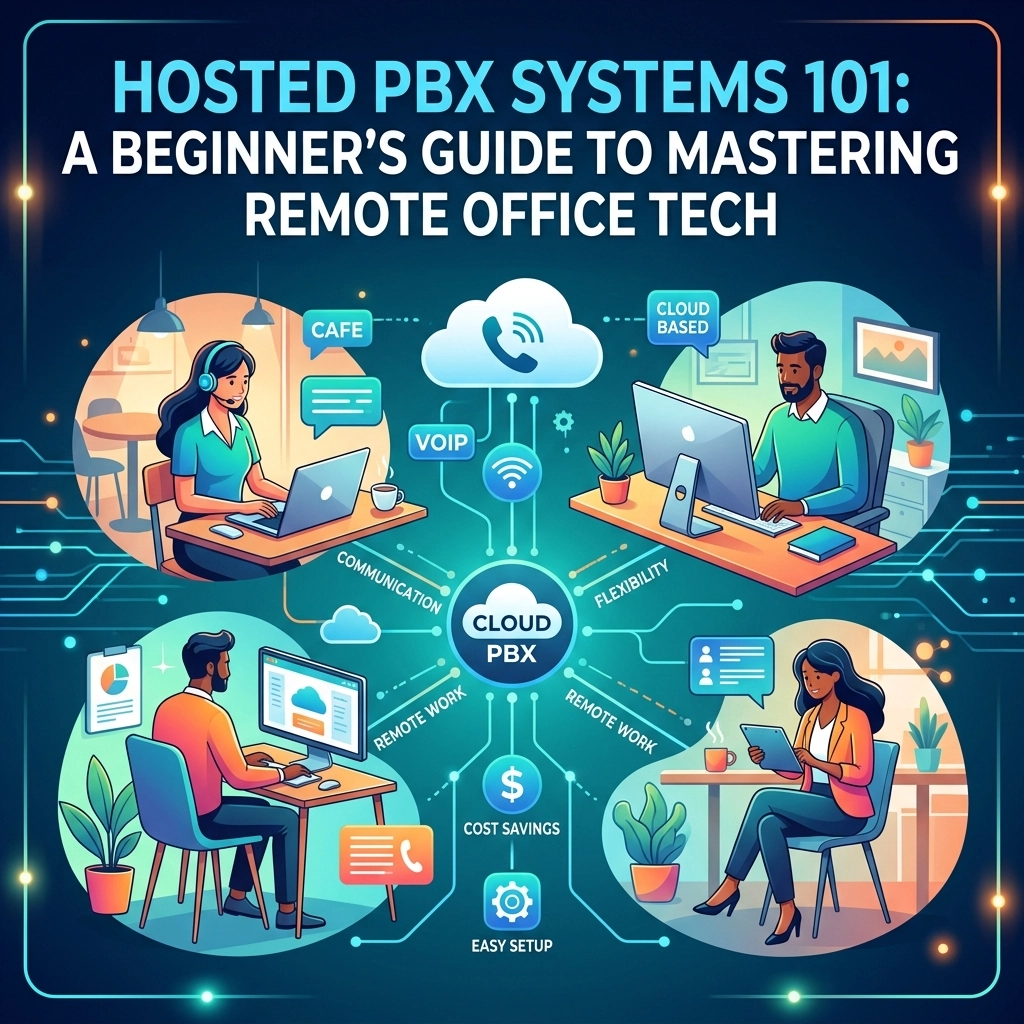
In this guide, we’re going to break down everything you need to know about Hosted PBX systems. Whether you are running a startup in Toronto or managing a growing enterprise in Vancouver, understanding this tech is the first step to mastering your remote office communications.
What Exactly Is a Hosted PBX?
The acronym PBX stands for Private Branch Exchange, which is just a fancy way of saying "a private telephone network used within a company." The "Hosted" part means that the brains of the operation, the servers, the software, and the maintenance, live in the cloud rather than in your physical office building.
Think of it like Netflix versus a DVD player. In the old days (Traditional PBX), you owned the hardware (the DVD player) and the discs. If the player broke, you had to fix it. If you wanted to watch a movie in another room, you needed more wires. With a Hosted PBX, the service is "streamed" to you over the internet. Your provider (like Voiswitch) manages the hardware in a secure data center, and you simply connect your devices to it via the web.
This shift is why cloud pbx canada has become the gold standard for modern business communication.
How Does the Technology Work?
Hosted PBX systems leverage Voice over Internet Protocol (VoIP) technology. Instead of sending your voice through traditional copper phone lines (the PSTN), your voice is converted into digital data packets. These packets travel across the internet to your provider’s servers, where they are routed to the intended recipient, whether they are using a desk phone, a laptop, or a smartphone.
The process happens in milliseconds:
- Input: You speak into a VoIP-enabled device.
- Conversion: The device turns your voice into digital packets.
- Transmission: These packets travel over your office's structured cabling services or Wi-Fi to the router.
- Routing: The Hosted PBX server determines where the call needs to go.
- Delivery: The recipient receives the call, and the packets are converted back into sound.
Because the system lives in the cloud, it doesn’t matter where your "office" is. As long as you have an internet connection, you are part of the company network.

Why Should Your Business Make the Switch?
The move toward business voip canada solutions isn't just about following a trend. It’s about solving real-world business problems that cost time and money.
1. Massive Cost Savings
Traditional systems require a heavy upfront investment in hardware, plus the cost of professional installation. When you choose a hosted solution, you eliminate the need for expensive on-site servers. Most businesses see a reduction in their monthly phone bills of up to 40% because they no longer pay for maintenance contracts or expensive long-distance copper line fees. You can learn more about these savings in our guide on how VoIP helps small businesses save.
2. Built for Remote and Hybrid Work
If your team is spread across Ontario, Quebec, and the Maritimes, a Hosted PBX treats them like they’re all in the same room. Employees can use "softphone" apps on their laptops or mobile devices to make calls from their business extension. Customers never know the difference; they see your professional business number, not a private cell phone ID.
3. Scalability Without the Headaches
In the old days, adding five new employees meant calling a technician, running new wires, and potentially buying a new expansion card for your PBX box. With a cloud system, adding a user is as simple as clicking a button in a web portal. This is vital for scaling corporations that need to grow quickly without technical delays.
4. Enterprise-Grade Features
Even a small three-person team can sound like a Fortune 500 company. Hosted PBX systems come standard with features like:
- Auto-Attendants: "Press 1 for Sales, 2 for Support."
- Voicemail-to-Email: Read your voicemails as text in your inbox.
- Call Queuing: Keep callers in a professional "line" rather than a busy signal.
- Conference Bridging: Host large meetings without third-party software.
What Equipment Do You Actually Need?
One of the biggest myths about Hosted PBX is that you need to buy all new equipment. While modern IP phones are recommended for the best experience, the requirements are actually quite minimal.
- A Solid Internet Connection: Since your voice travels over the web, your internet is your most important tool. For every simultaneous call, you generally need about 80 Kbps of bandwidth. Most Canadian business fiber or high-speed cable connections can handle hundreds of calls at once.
- A Reliable Router: You need a router that can handle Quality of Service (QoS). This allows you to tell your network to prioritize voice traffic over, say, someone downloading a large file or watching a video.
- IP Phones or Softphones: You can use dedicated desk phones (like those from Yealink or Poly) that plug directly into your ethernet ports. Alternatively, you can skip the hardware entirely and use "softphones", apps that turn your computer or smartphone into your business phone.
- Structured Cabling: For physical offices, ensure your structured cabling services are up to date. Cat6 cabling is the standard for ensuring high-speed data transmission without interference.

Hosted PBX vs. Traditional PBX: A Quick Comparison
If you're still on the fence, here is a quick breakdown of how the two stack up:
| Feature | Traditional On-Premise PBX | Hosted/Cloud PBX |
|---|---|---|
| Upfront Cost | High (Hardware + Installation) | Low (Phones only, or $0 for softphones) |
| Maintenance | Your responsibility (IT staff/Technicians) | Provider's responsibility (Automatic updates) |
| Flexibility | Static (Tied to the office) | Mobile (Work from anywhere) |
| Reliability | Single point of failure (Power outage = Down) | Geo-redundant (Automatic failover) |
| Features | Often require additional licenses/fees | Most features included in the monthly plan |
For a deeper dive into how these compare for larger organizations, check out our enterprise phone systems comparison.
Common Questions Beginners Ask
"Is it secure?"
Yes. Modern Hosted PBX providers use encryption and secure data centers to protect your calls. Furthermore, because the system is managed by experts, security patches are applied automatically, unlike on-premise systems that are often left unpatched for years.
"What happens if the internet goes down?"
This is a common concern. Because the PBX lives in the cloud, even if your office internet fails, the "system" is still running. You can set up automatic failover so that calls are instantly routed to mobile phones or an alternative office location.
"Can I keep my current phone numbers?"
In almost all cases, yes. The process is called "porting." You can move your existing Canadian local or toll-free numbers over to your new hosted provider.
How to Get Started with Hosted PBX in Canada
Transitioning to a cloud-based system doesn't have to be a "rip and replace" nightmare. Many businesses start by integrating their existing hardware using SIP Trunking, which allows older systems to communicate with the cloud.
If you are ready to fully modernize, the steps are simple:
- Audit your current bandwidth: Ensure your internet can handle the load.
- Choose your hardware: Decide between physical IP phones or softphone apps.
- Map your call flow: Decide how you want calls to be routed (Who answers first? What happens after hours?).
- Partner with a local expert: Working with a Canadian provider like Voiswitch ensures your data stays within the country and you have access to support that understands the local landscape.

Final Thoughts
The "remote office" is no longer a temporary fix: it’s the way we do business now. A Hosted PBX system is the bridge that connects your team, regardless of where they choose to sit. By removing the physical limitations of old-school hardware, you free your business to grow, adapt, and provide better service to your customers.
If you're still using a legacy system, you're likely paying more for less. It’s time to move the "brain" of your communications to the cloud and focus on what really matters: growing your business.
For more advice on choosing the right setup, take a look at our guide on choosing the best business phone systems in Canada. Ready to make the jump? We’re here to help you navigate the switch seamlessly.