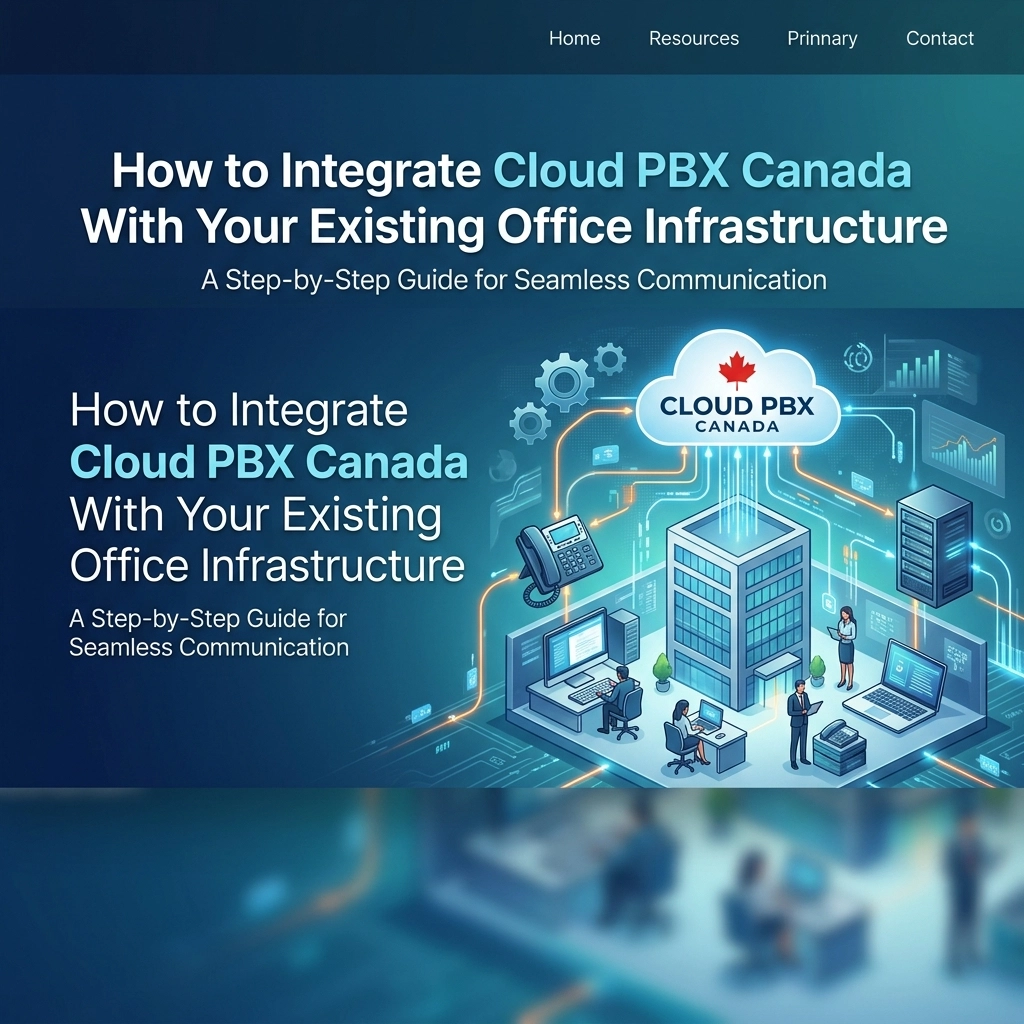
Moving your business communications to the cloud is one of the smartest moves a Canadian business owner can make in 2026. However, the transition often feels daunting. You’ve likely spent years: and thousands of dollars: on your current office setup. The thought of ripping out wires and starting from scratch is enough to make anyone stick with a subpar landline.
The good news? You don’t have to start over. Integrating cloud PBX Canada solutions with your existing office infrastructure is more of a handshake than a takeover. Whether you are running a small retail shop in Toronto or managing a multi-floor office in Vancouver, the goal is to leverage modern technology without discarding your previous investments.
In this guide, we’ll break down exactly how to bridge the gap between your legacy hardware and the future of business VoIP Canada.
The Problem: The Legacy Trap
Traditional PBX (Private Branch Exchange) systems are like old cars. They work well enough until they don't, and when they break, the parts are hard to find and the mechanics are expensive. Most Canadian businesses struggle with:
- High maintenance costs for on-premise hardware.
- Inability to support remote or hybrid workers.
- Expensive long-distance charges and rigid scaling options.
The solution isn't always a "scorched earth" approach. Instead, integration allows you to transition at your own pace.
Step 1: Audit Your Current Network Foundation
Before you plug in a single VoIP phone, you need to look at what’s behind your walls. Modern cloud PBX Canada systems rely entirely on your internet connection. If your network is weak, your call quality will suffer.
The Role of Structured Cabling
Your office likely already has Ethernet wiring. However, older "Category 5" (Cat5) cabling might not be sufficient for the high-speed demands of modern voice and data. To ensure crystal-clear audio, you should look into professional structured cabling services.
If your office is currently wired for standard telephone lines (RJ11), you will need to upgrade to at least Cat5e or Cat6 (RJ45). This allows for Power over Ethernet (PoE), which powers your IP phones directly through the data cable, eliminating the need for messy power bricks at every desk.

Step 2: Assessing Your Bandwidth
Business VoIP doesn't actually use a massive amount of data, but it requires consistent data. High latency or "jitter" on your line will cause dropped words and lag.
- The Rule of Thumb: Each concurrent call requires about 100kbps of upload and download speed.
- The Reality: You need a buffer. If your team is uploading large files or streaming video while trying to make sales calls, you’ll run into trouble.
We recommend checking our business internet options to ensure your pipe is wide enough to handle both your data needs and your new cloud phone system.
Step 3: Integrating Your Existing Hardware
You don't necessarily need to throw away your old phones on day one. There are several ways to integrate existing hardware with a new cloud-based system.
Using Analog Telephone Adapters (ATAs)
If you have high-quality analog conference phones or cordless sets that you aren't ready to replace, you can use an ATA. This small device acts as a bridge, converting the analog signal into digital packets that the cloud PBX can understand. It’s a cost-effective way to start your migration.
Transitioning to IP Phones
For the best experience, most businesses eventually move to dedicated IP phones. These devices are designed specifically for business VoIP Canada services. Brands like Grandstream offer a wide range of hardware: from basic desk sets to advanced video phones: that can be provisioned remotely.
The integration here is simple: you plug the phone into your network jack, and it automatically downloads its configuration from the cloud.

Step 4: The Hybrid Migration Strategy
Many Canadian companies prefer a "soft launch." You don't have to port all your numbers and switch off your old system overnight.
- SIP Trunking: If you have a relatively modern on-premise PBX that you want to keep using, you can use SIP trunks. This allows your physical PBX to connect to the internet to make calls, giving you the cost savings of VoIP while keeping your local hardware.
- Parallel Running: You can set up your cloud PBX and run it alongside your current system. This allows your team to train on the new interface and mobile apps before the official "cut-over" date.
- The Porting Process: When you are ready, the process of moving your numbers from a traditional carrier to a cloud provider usually takes 5 to 7 business days. A professional provider will ensure there is zero downtime during this switch.
Step 5: Connecting Your Software Ecosystem
Integration isn't just about hardware; it's about your workflow. A major advantage of cloud PBX Canada is the ability to link your phone system with the tools you already use.
- CRM Integration: When a client calls, your system can automatically pull up their file in your CRM.
- Email and Messaging: Voicemails can be delivered to your inbox as audio files or text transcriptions.
- Access Control: You can even integrate your office security. Some systems allow you to answer the front door or manage access control directly from your desk phone or mobile app.
Safety and Compliance in the Cloud
A common concern for Canadian businesses is emergency services. When your phone system is "in the cloud," how does 911 know where you are?
Integration involves setting up E911 (Enhanced 911). This links a physical address to each of your VoIP extensions. Whether an employee is calling from the main office or their home office in a different province, the correct emergency dispatch center will receive their location data. You can learn more about how this works on our 911 explained page.

Step 6: Employee Onboarding and Mobile Integration
The final piece of the integration puzzle is the "human" element. One of the best features of a cloud system is that your office infrastructure now extends to wherever your employees are.
By installing a "softphone" app on their laptops or mobile devices, your team can take their office extension home with them. This doesn't require any new wiring or hardware: just a login. This is the ultimate way to integrate your "office" with the modern reality of remote work.
Summary Checklist for Integration
If you’re ready to start the process, here is a quick roadmap to keep you on track:
- Audit Connectivity: Ensure your internet and structured cabling are up to standard.
- Choose Your Hardware: Decide if you will use ATAs for legacy gear or upgrade to new IP phones.
- Plan the Network: Implement Quality of Service (QoS) settings on your router to prioritize voice traffic.
- Configuration: Set up your call flows, auto-attendants, and ring groups in the web portal.
- Test and Port: Run the system in parallel for a few days, then port your numbers.
Conclusion: A Future-Proof Office
Integrating cloud PBX Canada with your existing infrastructure doesn't have to be a headache. By taking a phased approach: starting with your network foundation and gradually moving your hardware: you can modernize your communications without the stress of a total system failure.
The end result is a system that is more flexible, more reliable, and significantly cheaper to maintain than any traditional landline. You’re not just changing your phone system; you’re upgrading your entire business capability.
If you have questions about how your specific hardware will play with a cloud setup, or if you need an assessment of your structured cabling, don't hesitate to reach out. We’ve helped businesses across Canada make this switch seamlessly, and we can do the same for you. Check out our FAQ or contact us today to get started.